


To rank higher on Google Maps, make your Business Profile as complete and accurate as you can, choose the right category, and keep collecting genuine reviews from your customers. Google says local results are mainly based on three things: relevance, distance and prominence. You can work on relevance and prominence, but you can't change how far a searcher is from you, and Google says there's no way to pay for a better local ranking.

The three things Google looks at
Google explains its local ranking in its Business Profile help pages, and the explanation is fairly short.
- Relevance is how well your Business Profile matches what someone has searched for. A complete, detailed profile gives Google more to match against.
- Distance is how far your business is from the person searching. If they haven't shared their location, Google uses what it knows about where they are.
- Prominence is how well known your business is. Google says this partly depends on how many websites link to you and how many reviews you have, and that more reviews and positive ratings can help your local ranking.
Google doesn't publish any more detail than that, and nobody outside Google knows exactly how the three are weighed against each other. It's worth being wary of anyone who promises you a particular position on the map.
Get the basics of your profile right
Most of what you can control sits inside your Business Profile. Open it on Google Search or Maps while signed in to the account that manages it, and go through each section.
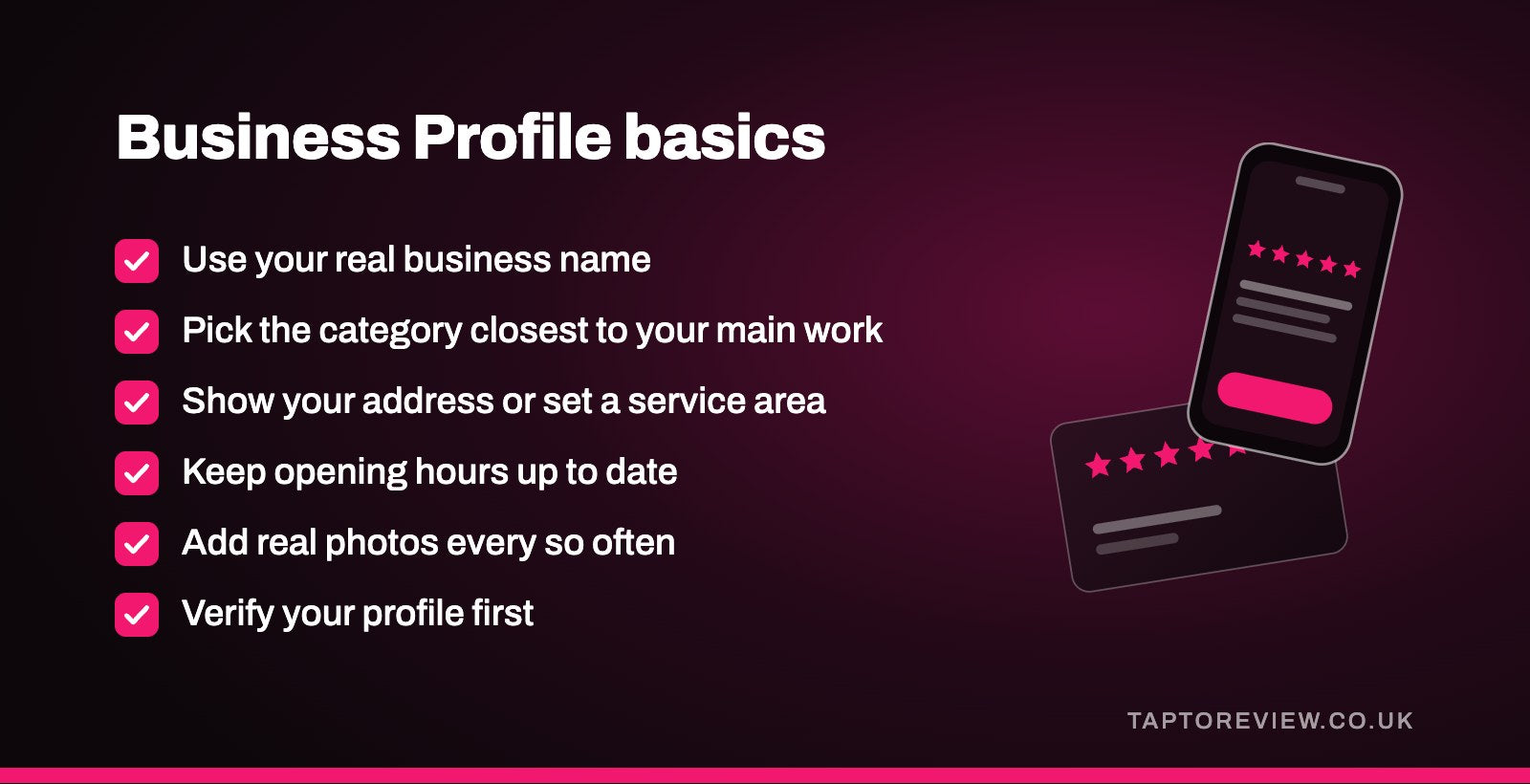
- Name. Use your real business name, as it appears on your sign and your paperwork. Adding keywords or a town name to it goes against Google's guidelines and can get a profile suspended.
- Category. Your primary category tells Google what kind of business you are, so pick the one closest to your main line of work. You can add a few secondary categories for other things you genuinely do.
- Address or service area. If customers come to you, show your address. If you travel to customers, set a service area instead.
- Opening hours. Keep your regular hours up to date and add special hours for bank holidays and Christmas.
- Description and services. Describe what you do in plain words, using the terms a customer would search for.
- Photos. Add real photos of your premises, your team and your work, and keep adding new ones every so often.
Google also says verified businesses are more likely to show up in local results, so if your profile isn't verified yet, do that first. Our guide to a Business Profile not showing in search covers the common reasons a profile goes missing.
Reviews and prominence
Reviews are the part of prominence that a small business can do the most about. Google's own help page says more reviews and positive ratings can help your local ranking. Reviews also matter once you've appeared on the map, because people compare ratings and read a few recent reviews before deciding who to call or visit.
The way to get more is to ask every customer, at the point in the visit or job when they're most pleased, and to make leaving a review quick. Our guide on getting more Google reviews covers the methods in detail, and how many Google reviews you need looks at the numbers question. If you see customers face to face, a Google review card that opens your review page when they tap their phone on it makes the asking part easier for staff.
Reply to reviews as well. Google says replying shows customers that you value their feedback, and a calm, sensible reply to a bad review reassures the people reading it later.
Your website and other listings
Because Google mentions links as part of prominence, how your business appears elsewhere on the web counts too. A few practical things help:
- Link your Business Profile to your website, and make sure the website shows the same business name, address and phone number.
- Keep the same details on any directories and local listings you already appear on, and correct old addresses or phone numbers when you find them.
- Take local links where they come naturally, such as a local business association, a supplier's stockist page or a story in the local paper.
A clear website, with a page for each main service you offer, also gives customers and Google a fuller picture of what you do.
Mistakes to avoid
- Stuffing keywords or place names into your business name.
- Using a PO box, or a virtual office that isn't staffed, as your address. Google's guidelines don't allow either.
- Having two profiles for the same business. Our guide to duplicate Google listings explains how to sort it out.
- Buying reviews, writing your own or asking staff to post them. These break Google's rules, and fake reviews are illegal in the UK under the Digital Markets, Competition and Consumers Act 2024.
- Letting the profile go out of date, with old opening hours or a phone number nobody answers.
How long it takes
There's no fixed timescale. Some edits to your profile are checked by Google before they appear, and reviews build up gradually as you ask. It works best as a regular habit, checking your profile every month or so and asking every customer for a review as part of your normal routine. Search results also vary from person to person depending on where they are, so the position you see when you search for yourself won't always match what a customer sees.
Common questions
Can I pay Google to rank higher on Google Maps?
No. Google says there's no way to request or pay for a better local ranking. You can pay for Google ads, which are marked as sponsored, but that doesn't change where you appear in the ordinary results.
Do reviews help you rank higher on Google Maps?
Google says more reviews and positive ratings can help your local ranking. They're one part of prominence, alongside things like links to your website.
Why does a business further away rank above mine?
Distance is only one of the three factors. If another business's profile is a closer match for the search, or it's better known with more reviews and links, it can appear above a business that's nearer.
Does adding my town to my business name help?
It isn't allowed unless the town is genuinely part of your business name. Google can suspend profiles that add extra words to the name, so it isn't worth the risk.