


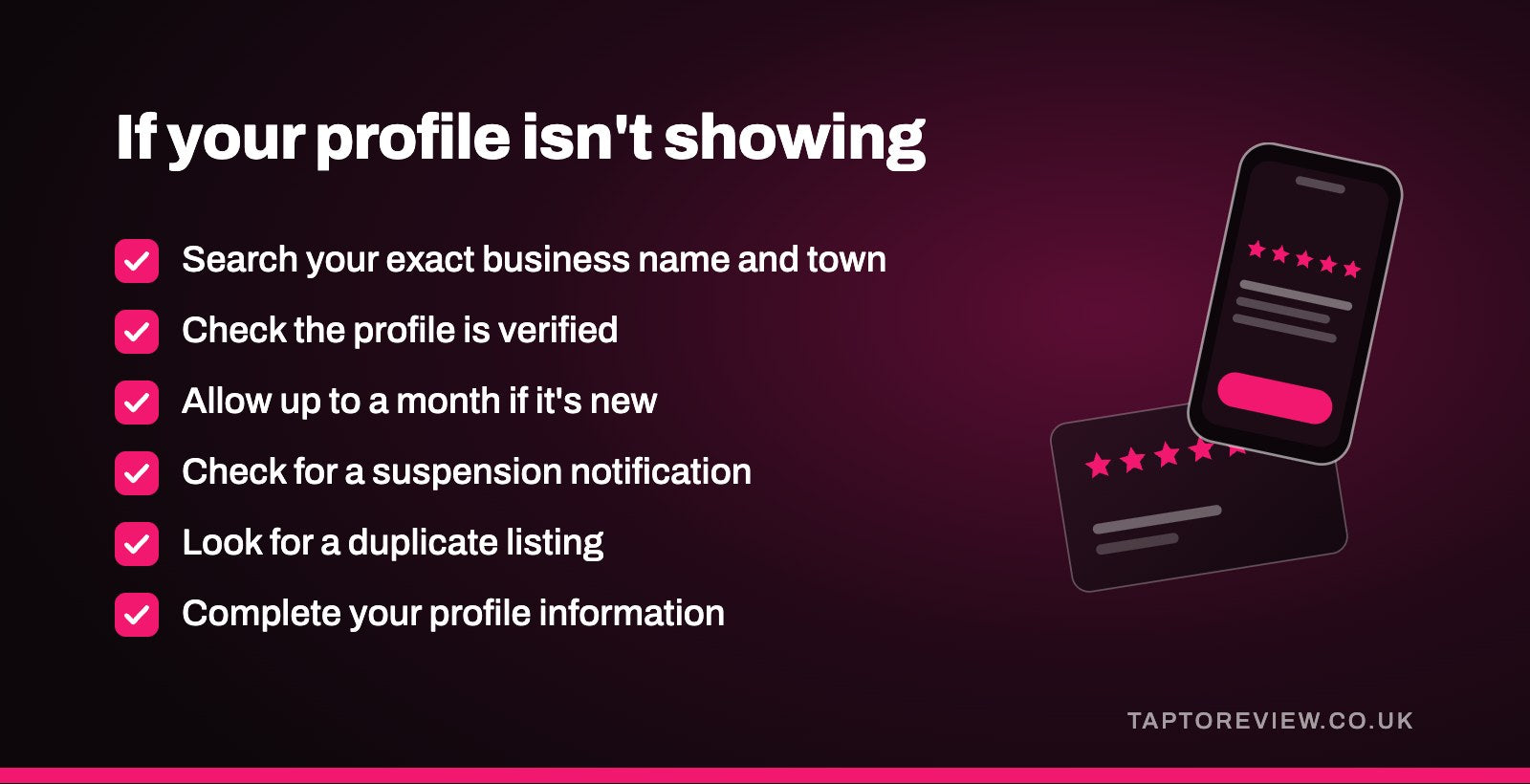
If your Google Business Profile isn't showing up in search, start by searching for your exact business name and town. If the profile appears for that, it's working, and the real issue is how it ranks for wider searches like "plumber near me". If it doesn't appear even for your own name, the usual causes are that it isn't verified, it's very new, it's been suspended, or a duplicate listing is getting in the way.

First, check how you're searching
Search for your business name and town on Google Search and on Google Maps. Google's help pages suggest this as the way to find your own profile, and if you're signed in to the Google account that manages it, you'll see your profile with the tools for editing it.
Being signed in can give you a different view from your customers, so it's also worth searching from a private browser window or from someone else's phone. If the profile shows up there for your name and town, customers can find it when they look for you by name.
Reasons a profile doesn't show at all
It isn't verified
Google says only verified businesses can show their business info on Maps and Search. If you set up a profile and never finished verification, or Google has asked you to verify again after changes, that alone can explain it. Our guide to Google Business Profile verification covers the video method that many businesses are now asked to use.
It's new
Google says rankings for new businesses can take up to a month to appear in search results. If you verified recently, give it a few weeks before assuming something is wrong.
It's been suspended
If a profile breaks Google's guidelines, Google can suspend or disable it, and it won't show to other people on Google until the issue is resolved. Google says it sends a notification to the account that manages the profile. Our article on what to do when a Google Business Profile is suspended explains the appeal process.
Recent changes are still being reviewed
Google reviews edits before they go live. Its help pages say most edits are reviewed within minutes but some take up to 30 days, and that changes can take up to three days to appear in search. Changing your business name, address or category can also lead Google to ask you to verify again.
There's a duplicate listing
Google's guidelines say there should only be one profile per business, because duplicates cause problems with how information displays on Maps and Search. An old listing, or one created by a previous owner or a customer, can split your reviews and details. Our guide to duplicate Google business listings explains how to merge or remove them.
The business isn't eligible
Google Business Profiles are for businesses that meet customers in person, at their premises or at the customer's location. A business that only operates online isn't eligible, and nor is an address the business doesn't operate from, such as a virtual office.
Why it shows for your name but not other searches
When someone searches for a type of business rather than a name, Google decides which profiles to show using three main factors:
- Relevance: how well your profile matches what the person searched for.
- Distance: how far your business is from the person searching, or from the place named in the search.
- Prominence: how well known the business is, which Google says includes things like links from other websites and how many reviews you have, along with your rating.
Google is clear that there's no way to request or pay for a better local ranking. A customer searching from the other side of town may simply be seeing businesses that are closer to them.
What you can do to show up more often
- Complete your profile information, including your main category, opening hours and, if customers visit you, your full address.
- Keep your hours up to date, including special hours over bank holidays.
- Add photos and videos of your premises and your work.
- Reply to reviews, which Google lists as one of its own tips.
- Keep getting new reviews by asking every customer.
For the last point, a Google review stand by the till lets customers open your review page with a tap while they're still with you. Our article on how to rank higher on Google Maps goes into the ranking side in more detail. Avoid adding extra keywords to your business name to try to rank, as Google's guidelines say this can get a profile suspended.
Common questions
How long does a new Google Business Profile take to show in search?
Google says rankings for new businesses can take up to a month to appear. Verification needs to be complete first.
Why can I see my profile but my customers can't?
When you're signed in to the account that manages the profile, Google shows it to you. If it's unverified or suspended, other people may not see it.
Can I pay Google to rank my profile higher?
No. Google says there's no way to request or pay for a better local ranking.
Do reviews help my profile show up?
Google lists the number of reviews and your rating among the things that make up prominence, which is one of its three main ranking factors.