


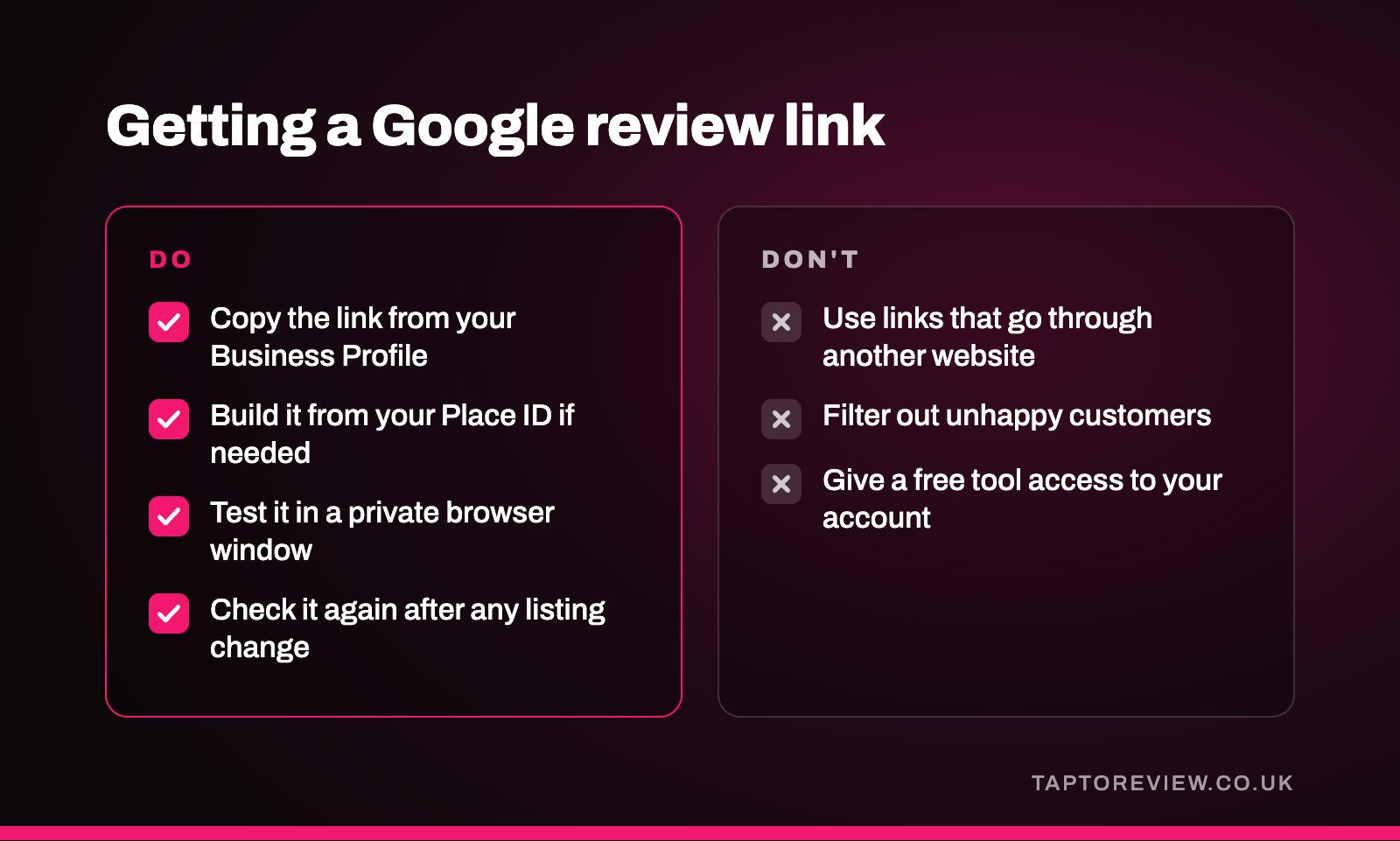
Most businesses don't need a review link generator, because Google gives you your review link for free in your Business Profile. Free generators mostly look up your business's Place ID and build the same kind of link Google would give you. They can help if you can't get into your profile, but avoid any that send customers through their own website first, and never use one that tries to filter out unhappy customers.

The free link Google already gives you
Every verified Business Profile has its own review link. Sign in to the Google account that manages your profile, find your business on Google Search or Maps, open your reviews and choose the option to get more reviews or share your review form. Google shows a short link you can copy, and on a computer it also offers a QR code. Our guide on how to get your Google review link goes through this step by step, including what to do if the button isn't there.
This link comes straight from Google and costs nothing, so for most businesses it's the only one you need.
What a link generator actually does
Google gives every place on its maps a unique code called a Place ID. Most free generators ask you to type in your business name, look up that Place ID, and attach it to Google's standard address for writing a review. The result opens the same review box as the link from your profile.
That's useful if you've lost access to your Business Profile, or if you're setting things up for a client and don't have their login. If you have access, there's no advantage over copying the link from Google yourself.
Building the link yourself
If you'd rather not use a third-party website, you can do what the generators do in a couple of minutes.
- Search for Google's Place ID Finder. It's a free tool on Google's own developer website.
- Type your business name into the map and pick the right result. The tool shows your Place ID, a long string of letters and numbers.
- Add the Place ID to the end of this address: https://search.google.com/local/writereview?placeid=
- Open the finished link in a private browser window to check it brings up your business.
Google says Place IDs can change over time, for example if a business moves. It's worth checking the link every so often, and again after any change to your listing.
Generators to avoid
Ones that send customers through their own website
Some generators, often the ones offering free tap or click statistics, give you a link on their own domain that forwards to Google. It works while their service runs. If they shut down, change their terms or start charging, the link can stop working, along with every card, sticker, QR code and email that uses it. A link that goes straight to Google doesn't have that problem.
Ones that filter unhappy customers
Some tools show customers a question first, such as "How was your experience?", and only send people who pick a high score on to Google, while unhappy customers are sent to a private feedback form. This is known as review gating, and Google doesn't allow it. UK consumer law also bans fake reviews and hiding negative ones, under the Digital Markets, Competition and Consumers Act 2024. Our article on review gating explains the risks.
Ones that want access to your Google account
You don't need to give anyone access to your Business Profile to get a review link. If a free tool asks you to sign in with Google and grant permissions before it will show you a link, close it and use one of the routes above.
Test the link wherever you use it
Whichever way you get it, open the link on a phone that isn't signed in to your business account, or in a private browser window. You should land on your business with the review box open. If you see a map, a search page or a different business, start again.
Once you have a link that works, you can put it in emails and invoices, send it by text or WhatsApp, or have it written onto an NFC card or stand. Our Google review cards are programmed with the link that comes straight from Google, so there's nothing in between to stop working.
Common questions
Is there a free Google review link generator?
Yes. Your Business Profile gives you a free review link and QR code from Google itself, and third-party generators build the same kind of link from your Place ID.
Are review link generators safe to use?
The simple ones that build a link from your Place ID are generally fine. Check the finished link starts with a Google address and doesn't go through the generator's own website.
Does a Google review link expire?
The link from your profile keeps working while your Business Profile exists. If you move and Google creates a new listing, you'll need a new link.
What is a Google Place ID?
It's a unique code Google uses to identify a place on its maps. Review links built by generators use it to point at your business.