


Your Google review link is a short web address that opens the review box for your business, so a customer can pick a star rating and write a review without searching for you first. You get it free from your Google Business Profile. Sign in with the Google account that manages the profile, find the option called "Ask for reviews", and copy the link Google shows you. It takes about a minute.

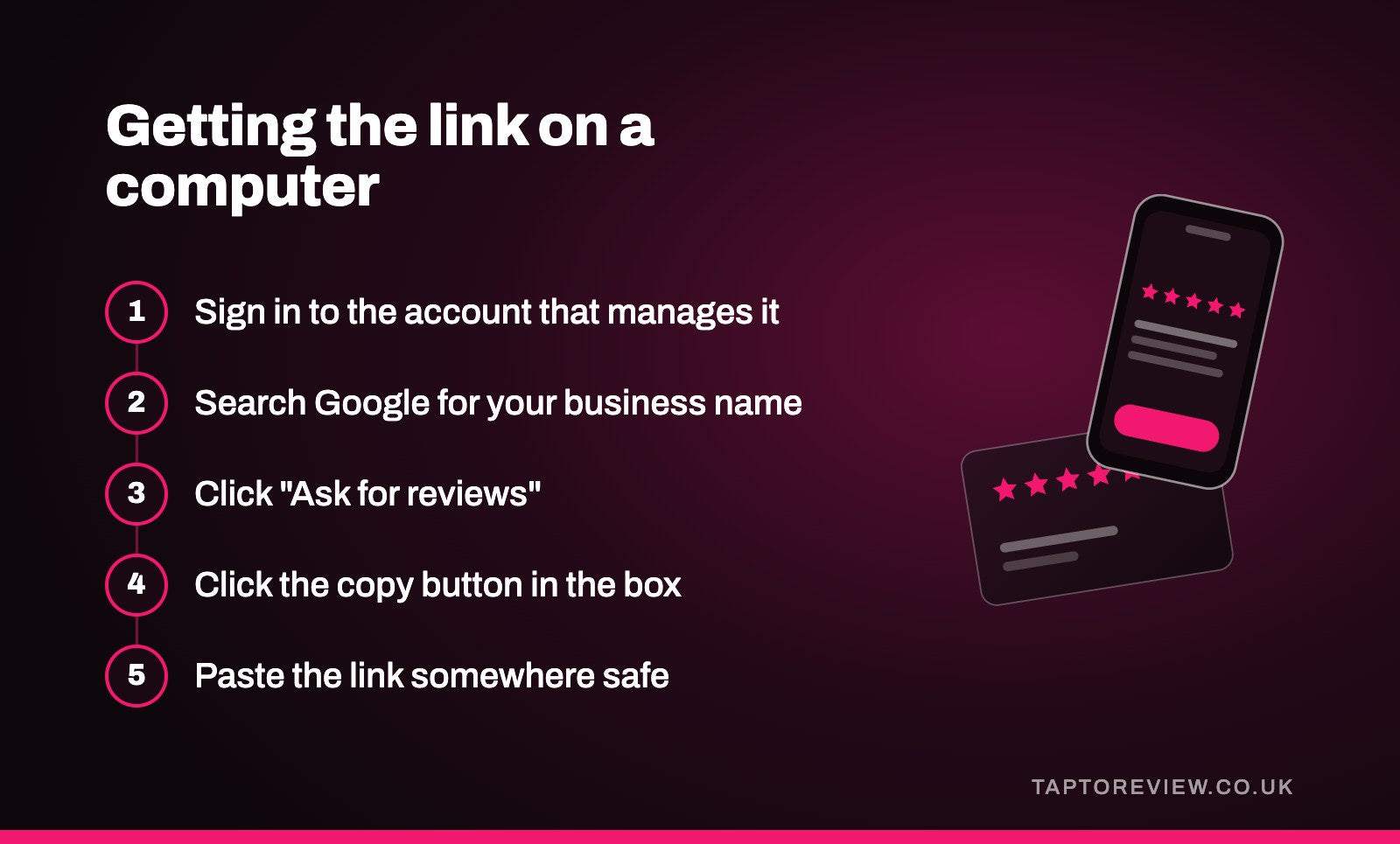
Getting the link on a computer
- Sign in to the Google account that owns or manages your Business Profile.
- Search Google for your business name. Your profile appears at the top of the results with a set of buttons for managing it.
- Click "Ask for reviews". Depending on how Google is laying things out that month, it may be labelled "Get more reviews", or sit under "Read reviews".
- A box opens with a short link, usually starting with g.page/r/. Click the copy button.
Paste the link somewhere safe, like a note on your phone or the signature of your email, so you have it to hand.
Getting the link on your phone
Open the Google Maps app while signed in to the same account, then open your business from the account menu. Look for "Ask for reviews" or "Get more reviews" and tap it. Your phone's share sheet opens, so you can copy the link or send it straight to a customer by text or WhatsApp. Google moves these buttons around from time to time, so the wording on your phone may be slightly different.
If the button isn't there
- Your profile may not be verified yet. Google only shows the review tools to verified owners and managers, so finish verification first.
- You may be signed in to a different Google account from the one that manages the profile. This is very common when the profile was set up by a former employee or a web designer.
- If neither of those is the problem, you can build the link yourself. Find your business's Place ID using Google's free Place ID Finder, then put it on the end of this address:
https://search.google.com/local/writereview?placeid=. The result opens the same review box.
Check that it works
Before you share the link widely, open it on a phone that isn't signed in to your business account, or in a private browser window. You should land on your business with the review box open. If it opens a different business or a map, you've probably copied the wrong link.
Where to use your review link
- At the bottom of invoices, receipts and order confirmation emails.
- In a text or WhatsApp message after a job, sent while the customer is still pleased with the work.
- On your website, on the contact page or the page customers see after booking.
- In your email signature, with a short line such as "Happy with our work? A Google review would really help us."
- Turned into a QR code for menus, posters and printed material.
- Programmed onto NFC cards, stands and stickers, so customers in front of you can tap their phone instead of typing anything.
Our Google review cards are programmed with this exact link before they're posted, so you paste it in at checkout and the card is ready to hand out when it arrives.
Do you need a Google review link generator?
Usually not. Most free review link generators look up your Place ID and build the same link Google already gives you. Some paid ones send customers through their own website first so they can count clicks. That's fine while you're paying, but the link can stop working if you cancel, and then every card, sticker or printed QR code that uses it stops working too. We'd always use the link that comes straight from Google.
Common questions
Does my Google review link ever change?
It stays the same for as long as your Business Profile exists. If you move premises and Google ends up creating a new listing, get a fresh link from the new profile and update anything that uses the old one.
Can I use one review link for several locations?
No. Each location has its own Business Profile and its own review link. If you have two shops, you need two links, and anything printed or programmed for each shop should use that shop's link.
Is the Google review link free?
Yes. Google provides it at no cost to every business with a verified profile.
Can I send the link to customers who haven't bought anything?
You can send it to anyone who has genuinely used your business. Google's rules don't allow reviews from people who haven't, and they don't allow you to ask friends, family or staff to post reviews.