


Google doesn't offer an official free widget for showing your reviews on your own website. The free options are to copy a few reviews onto your site by hand with a link to your Google profile, embed a Google map of your business, or use a third-party widget with a free plan. Each one has trade-offs, covered below. One thing worth knowing first is that adding your own Google reviews to your site won't get you star ratings next to your website in Google's search results.

What Google itself offers
Google offers less here than many people expect. It used to let businesses build a simple website from their Business Profile, but it closed that feature in 2024, and there's no official reviews box to paste into another website.
What Google does offer is a way to embed a map. Find your business on Google Maps, choose Share, then Embed a map, and copy the code into your web page. Depending on the size of the map, it may show your business name and star rating, but you can't choose which reviews appear and it doesn't list them.
For developers, Google's Places API can return details about your business, including your rating and a handful of reviews. Google's documentation says it returns a maximum of five reviews per place, chosen by Google. It also needs a Google Cloud account with billing set up, and Google charges once you go over a free monthly allowance.
Option 1: Copy reviews onto your site by hand
This is the simplest free method and it suits most small businesses. Pick a selection of recent reviews, copy the wording exactly, add the reviewer's first name and the month it was posted, and link to your Google profile with something like "Read all our reviews on Google".
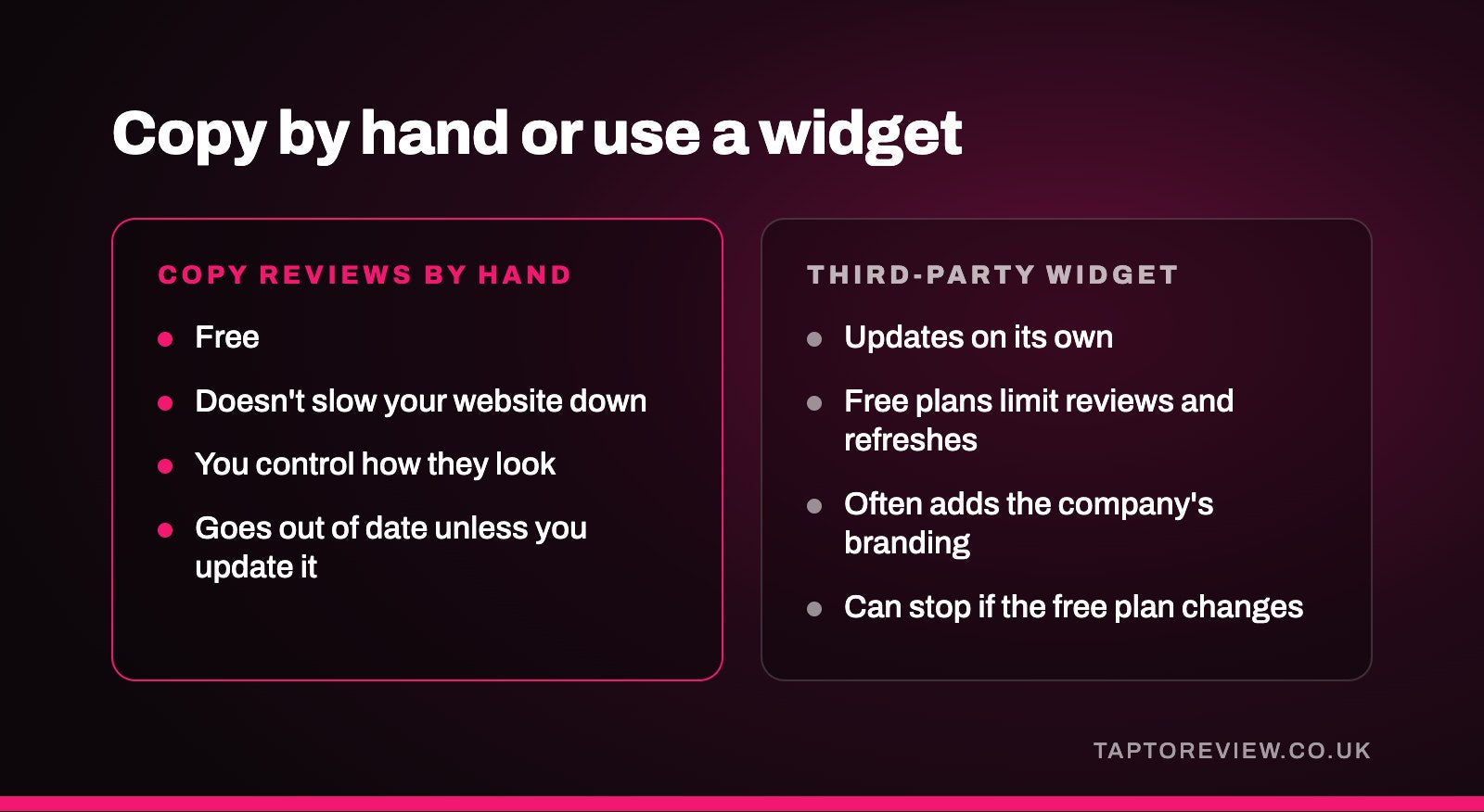
- Good points. It's free, it doesn't slow your website down, and you control where the reviews appear and how they look.
- Drawbacks. It goes out of date unless you update it, and it takes a few minutes each time.
Be fair in what you choose. Don't change the wording, and don't keep showing the same glowing reviews from years ago. The CMA's guidance on the Digital Markets, Competition and Consumers Act 2024 treats cherry-picking only positive reviews, or relying on out-of-date ones, as potentially misleading. Our guide to UK fake review law explains more.
Option 2: A link to your Google reviews
A button or line of text saying "Read our Google reviews" that opens your Business Profile is free and never goes out of date, because visitors see the live reviews on Google. You can add your current rating next to it, as long as you keep that number up to date. You can also add a second button for leaving a review, using your Google review link, on pages that past customers visit.
Option 3: A third-party widget
Plenty of companies offer review widgets that pull in your Google reviews automatically, and many have a free plan. Before you add one, check what the free plan includes.
- Free plans often limit how many reviews are shown and how often they refresh.
- Many add the widget company's branding or a link back to their site.
- The widget usually loads extra code on every page it appears on, which can slow your site a little.
- Some set cookies, which can affect what your cookie banner needs to say.
- If the company changes its free plan or closes, the widget can stop showing anything.
Widgets that get reviews through Google's API are limited by the same five-review cap. Some get around it in other ways, so it's worth reading how they collect the reviews.
Star ratings in Google search
A common reason for putting reviews on a website is to get gold stars next to it in Google's results. Google's own guidance says that reviews a business controls about itself aren't eligible for star ratings in search, and that includes reviews shown through an embedded widget. The reviews on your site are still worth showing to visitors, and your Google Business Profile still shows your stars in local results and on Maps. Our article on whether Google reviews help SEO covers how reviews affect local search.
Which to choose
For most small businesses, a few hand-picked recent reviews plus a link to your Google profile is enough, costs nothing and keeps the site fast. If you'd like reviews to update on their own and don't mind the limits of a free plan, a widget is the next step. The Places API is really only worth it if you have a developer looking after your site.
Whichever you pick, it works better with a steady flow of new reviews to show. Asking every customer at the end of a visit, and making it easy with a Google review card or stand they can tap, means you'll have new reviews to add as you go.
Common questions
Can I embed Google reviews on my website for free?
Yes, by copying reviews by hand, linking to your profile, embedding a Google map, or using a widget with a free plan. Google doesn't provide an official reviews widget.
Is it allowed to copy Google reviews onto my website?
Businesses commonly quote their reviews. Copy them word for word, credit the reviewer by first name, and don't present them in a misleading way.
Why does the Places API only show five reviews?
That's a limit Google sets. The API returns a maximum of five reviews per place.
Will reviews on my website give me stars in Google?
No. Google doesn't show star ratings in search for reviews a business displays about itself.