


Google Business Profile posts are short updates that appear on your profile in Google Search and Maps. The most useful ones are specific: a new service, changed opening hours, an offer with clear dates, or an event with a time and place, along with a real photo and a button that takes people somewhere useful. Below are example posts for several kinds of business that you can adapt, followed by the rules that get posts rejected.

The three types of post
- Updates are general news about your business. You can add a description, a photo or video, and a button with a link.
- Offers need a title, start and end dates, and times. Google adds a "View offer" button automatically, and you can include a coupon code, a link and terms and conditions.
- Events need a title, start and end dates, and times. If you leave out the times, Google shows the event as lasting 24 hours on those dates.
Hotels can't use offer posts or mention deals and discounts in posts, but most other businesses can use all three types.
Example posts you can adapt
Café: new menu (update)
"Our autumn menu starts on Monday. We've added a spiced pumpkin soup, a toasted cheese and chutney sandwich and a proper hot chocolate made with whole milk. Oat milk is still free in any drink. We're open from 8am every weekday and 9am at weekends."
Add a photo of the soup on a table in the café and a button linking to your menu.
Heating engineer: boiler services (update)
"We're now booking annual boiler services for October and November, before the cold weather properly arrives. We cover [towns or postcodes] and leave you with a written record of what was checked. Use the button below to choose a date that suits you."
A photo of one of your own finished installations is more convincing than a stock image of a boiler.
Hair salon: midweek offer (offer)
Title: "Midweek cut and blow-dry." Text: "Book a cut and blow-dry on any Tuesday or Wednesday in November and we'll add a deep conditioning treatment at no extra cost. Open to new and existing clients. Mention the offer when you book."
Set the offer's start and end dates in the post to match the offer itself.
Garage: MOT reminder (update)
"If your MOT runs out before Christmas, you can have it done up to a month (minus a day) before it expires and keep the same renewal date. We still have MOT slots in [month], including early mornings. Book online with the button below."
Dog groomer: puppy morning (event)
Title: "Puppy introduction morning." Date and time: "[Saturday date], 10am to 12pm." Text: "Bring your puppy to meet the team and get used to the sounds of the salon before their first full groom. We'll do a gentle brush and a nail check. It's free, but places are limited, so please book a slot."
Florist: Christmas opening hours (update)
"We're open until 7pm on Thursdays and Fridays in December, and closed on 25 and 26 December. Orders for delivery on Christmas Eve need to reach us by [date]."
Set the same times as special hours on your profile as well, so your opening hours and your post agree.
What makes a post work
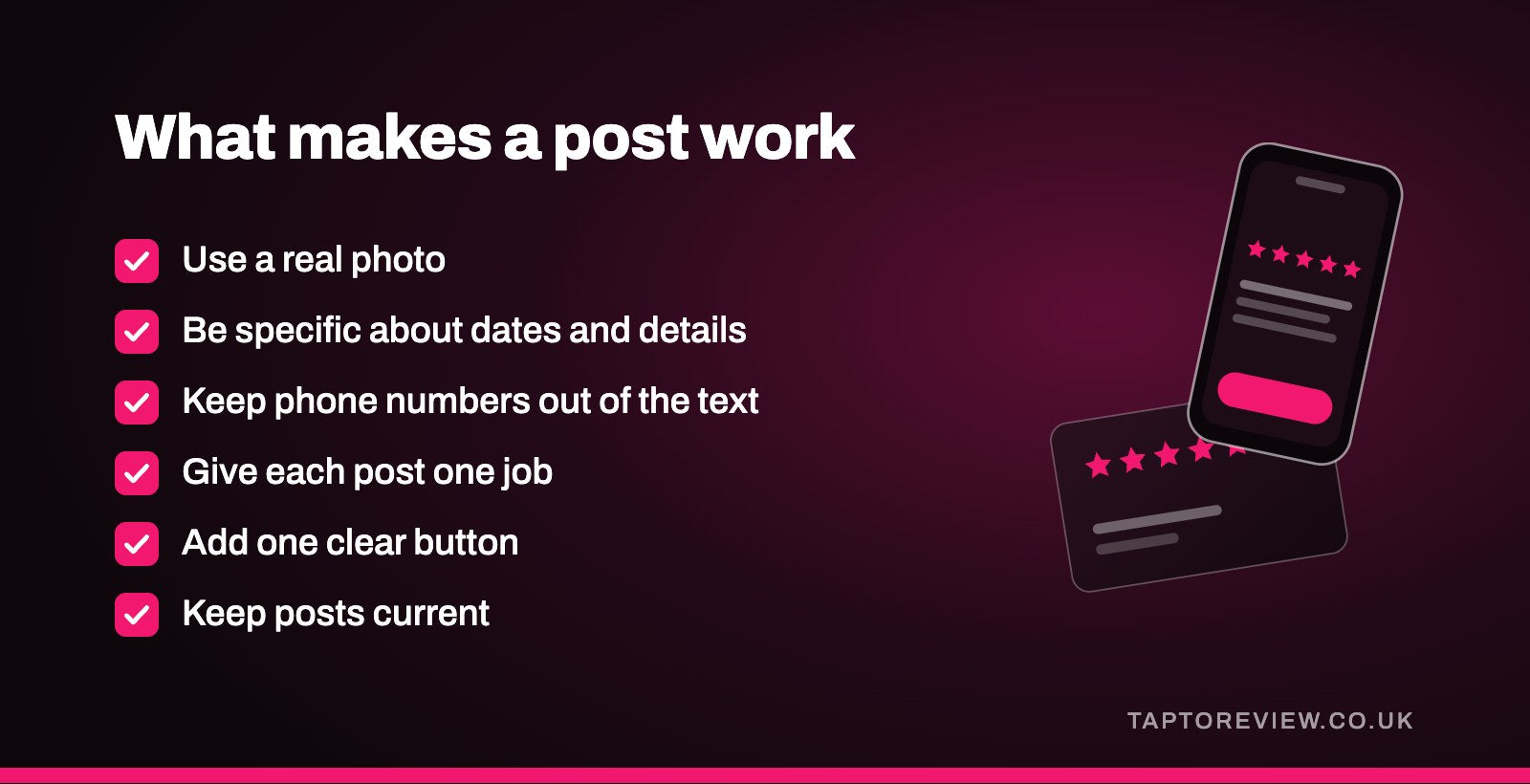
- Use a real photo. Your own premises, staff (with their agreement) and work tell customers more than stock images. Our article on Google Business Profile photos covers why photos get held back.
- Be specific. Name the dish, the service, the dates and the area you cover.
- Keep phone numbers out of the text. Google says posts with a phone number in the description may be rejected if it can't confirm the number belongs to the business. Use a call button instead, which uses the verified number on your profile.
- Give each post one job. One message and one button is easier to act on than a list of everything you do.
- Keep posts current. Google archives posts older than six months unless you've set a date range, so a profile with no recent posts can look quiet.
How to add a post
- Open your Business Profile on Google Search or Maps while signed in to the account that manages it.
- Choose the option to add a post, then pick an update, an offer or an event.
- Add your text, photo or video, any button, and the dates if it's an offer or event.
- If you want it to go out later, there's an option to schedule the post, and you can set some posts to repeat.
- Publish it. If you manage several profiles, you can choose to publish the same post to more than one location.
Google checks posts against its content policy after you publish. A post shows as live, pending or not approved, and a not approved post won't appear to customers. Posting regularly is one of several things that keeps a profile looking cared for, alongside replies to reviews and up-to-date hours. Our guide to how to rank higher on Google Maps covers the rest, and our article on Google Business Profiles for multiple locations covers posting across branches.
Common questions
How often should I post on my Google Business Profile?
Google doesn't set a number. Post when you have something specific to say, such as a new service, an offer, an event or a change of hours. For most small businesses, once or twice a month is manageable.
How long do Google Business Profile posts stay up?
Google archives posts after six months unless you've set a date range. Offers and events have their own dates, which you set when you create them.
Why was my Google post rejected?
It may break Google's content policy. A phone number in the text is a common reason, as Google may reject posts where it can't confirm the number belongs to the business.
Can I schedule Google Business Profile posts?
Yes. When you create a post, you can choose a date and time for it to go out, and set some posts to repeat.