


For most UK businesses, the best Google review card is a plain NFC card that holds your own Google review link directly, arrives programmed and costs a one-off price. Past that, the differences between sellers come down to where the link points, whether there's an ongoing fee, who does the programming and how well the card is made. This guide goes through the kinds of card on sale and what to check before you choose one.

The four kinds of Google review card
Most review cards sold in the UK fall into one of four groups. They can look almost identical in product photos, so it's worth working out which one you're looking at before you compare anything else.
NFC cards programmed with your direct link
The chip holds the review link Google gives you in your Business Profile. When a customer taps, their phone opens Google's review page straight away, with nothing in between. Because the link belongs to Google and not to the seller, the card keeps working for as long as your profile exists, whatever happens to the company that sold it. These are usually a one-off purchase.
NFC cards tied to a subscription or redirect
Here the chip holds a web address that belongs to the seller, and their system forwards the customer on to your review page. The benefit is that the seller can usually show you how many taps each card gets and let you change where it points from a dashboard. The drawback is that the card depends on that service carrying on. If you cancel, stop paying or the company closes, the forwarding can stop and the card goes dead. Some of these carry a monthly or yearly fee, and some include the service for a set period and then charge.
Blank NFC cards you program yourself
These are the cheapest way in. You buy blank cards and write your review link to them with a free phone app. It isn't difficult, and our guide on how to program an NFC card for Google reviews walks through it. You end up with a direct link, but the setting up and testing is down to you, and you'll want to be sure the chip type is one that phones read reliably.
Printed QR-only cards
Some cards sold as review cards have no chip at all, just a printed QR code. They work on any phone with a camera and they're cheap to print. The customer has to open the camera and line up the code, which takes longer than a tap, but for a business that mainly hands out printed material they can be enough. Google gives every business a free review QR code, so you can make these yourself.
What to check before you buy
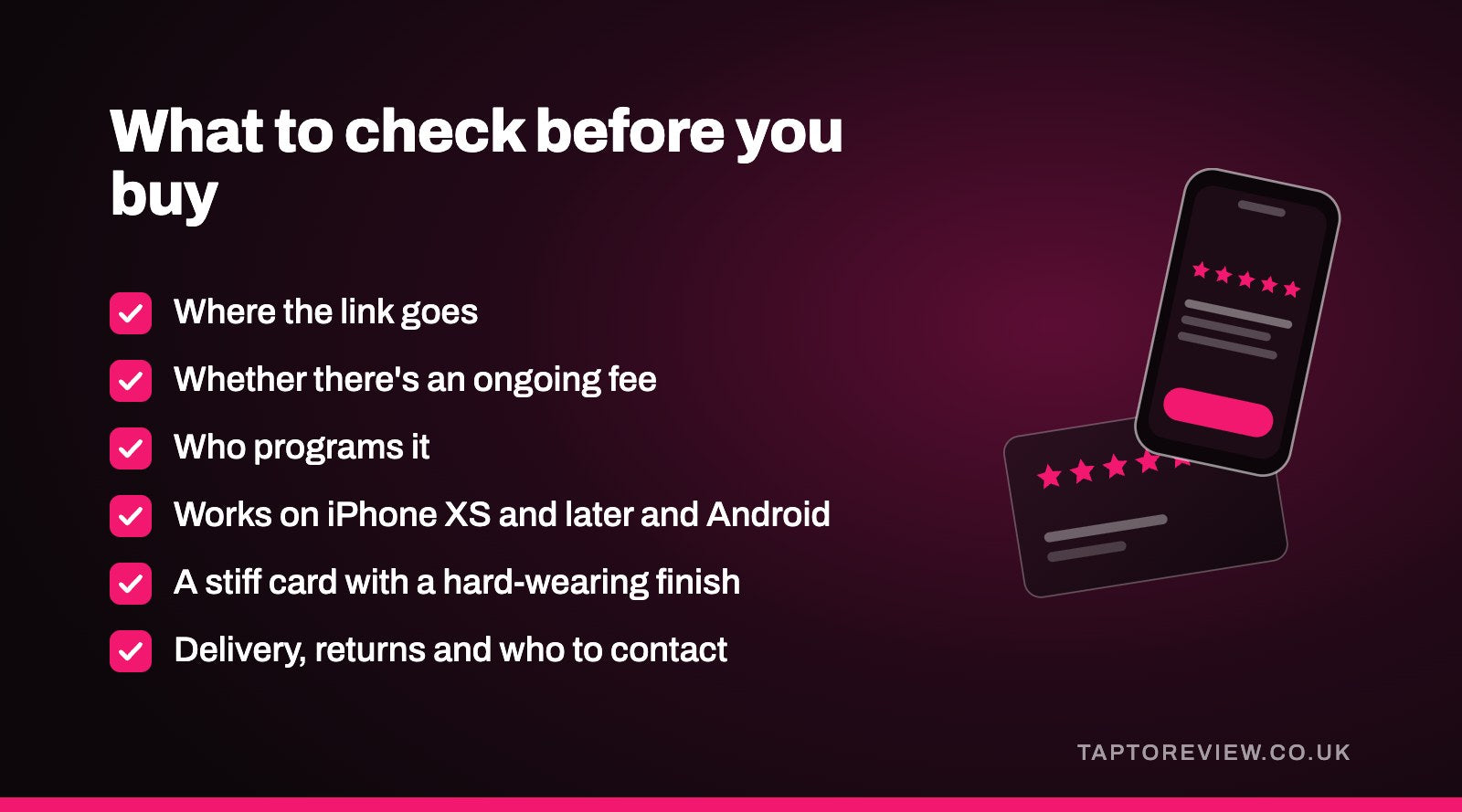
- Where the link goes. Ask the seller whether the chip holds your Google link or their own address. If you already have a card, you can read it with a free NFC app and see the address stored on it.
- Whether there's an ongoing fee. A review card doesn't need a subscription to work. If a seller charges one, find out what you get for it and what happens to the cards if you stop paying.
- Who programs it. A pre-programmed card should only need a test tap when it arrives. If you're doing it yourself, allow a little time for it.
- Phone compatibility. A decent NFC review card should work with iPhone XS and later without an app, and with most Android phones. Ask the seller how they test them.
- Build and finish. Cards get handled all day, dropped and put in pockets, so a stiff card with a hard-wearing finish lasts better.
- Delivery and returns. Programmed cards are personalised, so most sellers only take them back if they're faulty or wrong. Check how quickly they're sent out and who to contact if one doesn't work.
Do you need tap statistics?
The main extra a redirect service offers is a count of how many times each card is tapped. For a large team, comparing cards between staff might be interesting. For most small businesses, the number that matters is how many reviews arrive, and you can see that in your Business Profile for nothing. Our article on free review link generators explains why we'd always choose a link that goes straight to Google.
Card, stand or sticker?
A card suits staff who hand it to each customer, such as hairdressers, waiting staff and tradespeople. If customers come to a counter or reception desk, a stand they can tap without being handed anything may suit you better, and a sticker works where a loose card might go missing. Our guide to choosing between a card, stand or sticker goes into the details.
Where our cards fit
We sell the first kind on the list. Our Google review cards are £30 each in white or black, and they arrive programmed with your own Google review link, which goes straight to your review page. It's a one-off price with no monthly fee, and UK delivery is free. They don't count taps, and they come in one standard design rather than printed with your branding, so if either of those matters a lot to you, a different kind of card may suit you better.
Ours are NFC only. For the few customers whose phones can't read them, it's worth printing Google's free review QR code on a receipt or a small sign as a backup.
Common questions
Which Google review card is best for a small business?
For most small businesses, a card programmed with your direct Google review link and sold for a one-off price. It doesn't depend on anyone else's service, and staff can start using it the day it arrives.
Can Google review cards stop working?
A card holding your direct Google link keeps working unless it's damaged or your Business Profile is removed. A card that goes through a seller's website can stop working if that service ends or you cancel it.
Are cheap NFC review cards any good?
Some are perfectly fine. Check where the link goes, test the card on an iPhone and an Android phone, and make sure it feels sturdy enough to be handled every day.
Can I use one card for two locations?
No. Each location has its own Business Profile and its own review link, so each one needs its own card.