


An NFC sticker is a thin sticker with a tiny chip and aerial inside that opens a link when someone taps their phone on it. For a business, the most common use is collecting reviews, but the same sticker can open a menu, a booking page, product instructions or your social media. Below are eight ways UK businesses use them, and a few things worth knowing before you stick one down.

What an NFC sticker can do
The chip has no battery. It's powered for a moment by the phone when the two are held close together, usually within a few centimetres. In practice each sticker holds one link, and when a phone reads it, the link opens in the browser or the relevant app. iPhone XS and later read them automatically while the phone isn't locked, and most Android phones read them with NFC switched on, which it usually is by default.
You can buy stickers blank and write a link to them with a free phone app, or buy them already programmed. Our guide on how to program an NFC card works the same way for stickers.
Eight ways businesses use NFC stickers
- Google reviews at the till or on tables. A sticker by the card machine, on a table or on a reception desk lets customers tap and land on your Google review page. It can't go missing in the way a loose card can.
- Reviews from parcels. Online shops put a sticker inside the box lid or on the packing slip, so the customer can leave a review while they're unpacking. Our article on getting reviews from every delivery covers this in detail.
- Menus and ordering pages. Cafés, pubs and restaurants put a sticker on each table that opens the menu or an order-at-table page, which saves printing new menus every time prices change.
- Product instructions and support. A sticker on the packaging or the product itself can open a setup guide, a how-to video or a page for registering a warranty. It's handy for products where the paper instructions tend to get thrown away.
- Social media follows. A sticker by the door or on the counter can open your Instagram page, so customers can follow you without searching for your handle. We've written about tap-to-follow cards, and stickers work the same way.
- Booking the next appointment. Salons, barbers, physios and personal trainers put a sticker on the reception desk or appointment card that opens their online booking page.
- Job paperwork for trades. Tradespeople stick one on the folder or job sheet they leave with the customer, linking to their review page or website, so the details are there when the customer wants them later.
- Staff checks and equipment. A sticker on a machine, fridge or van can open its instructions, a cleaning log or a short checklist form for staff to fill in. It saves hunting for the right document on a shared drive.
Things to know before you stick one down
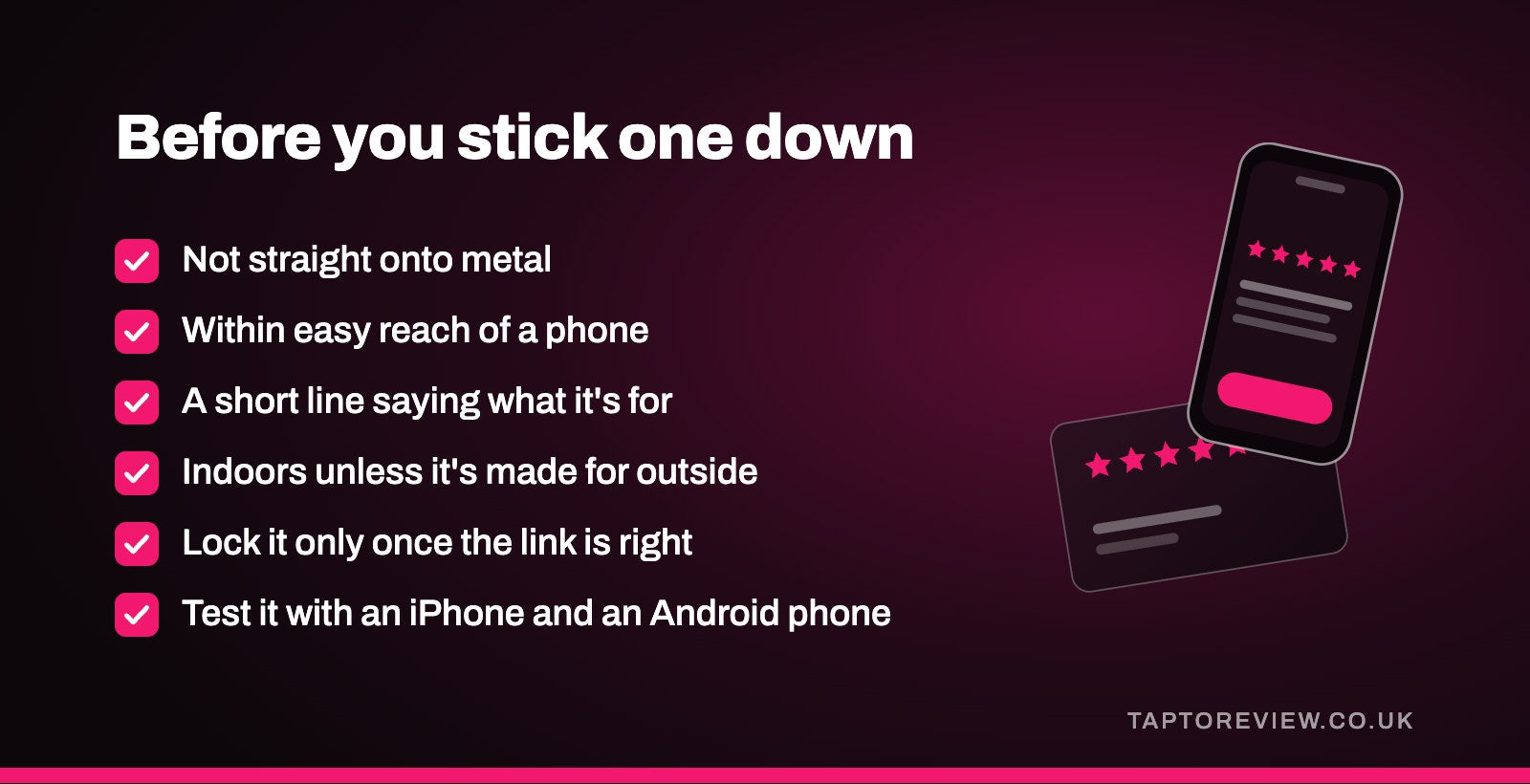
- Metal blocks them. A standard NFC sticker stuck straight onto metal often won't read. If it has to go on metal, use a sticker made for metal surfaces.
- Put it within easy reach. The phone has to touch or nearly touch the sticker, so think about where a customer's hand naturally goes. A sticker high on a wall or behind a counter won't get used.
- Tell people what it's for. Most people won't tap a blank sticker on the off chance. A short line next to it, such as "Tap your phone here to leave a review", makes a big difference.
- Indoors unless it's made for outside. Ordinary stickers aren't designed for rain and sun, and the adhesive and print can give up over time.
- Think about locking. A sticker in a public place that hasn't been locked could in theory be rewritten by anyone with an NFC app. Locking it stops that, but locking is permanent, so only do it once you're sure the link is right.
- Test it. Try it with an iPhone and an Android phone, with and without a phone case, once it's in place.
Our guide on where to put review stands and stickers has more on placement.
Blank stickers or programmed ones?
Blank NFC stickers are cheap and easy to find online, and if you're happy using a phone app they're a good way to try things out. The catch is that the testing and setting up are down to you, and if you're doing more than a handful, that takes time. Programmed stickers arrive ready to use, which matters more when they're going on hundreds of parcels or across several sites.
Our NFC stickers
We sell review stickers rather than blank ones. Our Google review NFC stickers are £25 and arrive programmed with your own Google review link. If you collect reviews on more than one site, there are multiple review platform tags for £25 as well. For parcels, the Google review NFC delivery stickers come in packs from £250 and in 30mm, 50mm or 70mm sizes, with a Bespoke design option to match your packaging. Everything is a one-off price with free UK delivery.
Common questions
Do NFC stickers need a battery?
No. The phone powers the chip for the moment it's being read, so a sticker keeps working until it's damaged.
How close does the phone need to be?
Very close, usually touching or within a few centimetres. Holding the top of an iPhone, or the middle of the back of most Android phones, against the sticker works best.
Can an NFC sticker be reprogrammed?
Yes, as long as it hasn't been locked. Once a sticker is locked, the link on it can't be changed.
Where can I buy NFC stickers in the UK?
Blank stickers are widely sold online. If you want them ready to use for reviews, buy them programmed from a seller who writes your link to each one before posting.