


Your Facebook reviews link is the address of the reviews section of your Facebook Page, and it usually looks like facebook.com/yourpagename/reviews. To get it, open your Page in a web browser, click the Reviews tab (it may be tucked under "More") and copy the address from the address bar. Facebook now calls reviews "recommendations", and they have to be switched on in your Page settings before anyone can leave one.

Reviews are now called recommendations
Facebook replaced its old star-rating reviews with recommendations some years ago. Instead of picking one to five stars, a customer is asked whether they recommend your business, answers yes or no, and can then add a written comment and photos. Your Page still shows an overall score out of five.
Facebook's menus still use both words, depending on where you look and which version of the Page you have, so don't worry if you see "Reviews" in one place and "Recommendations" in another, because they mean the same thing.
How to find your link
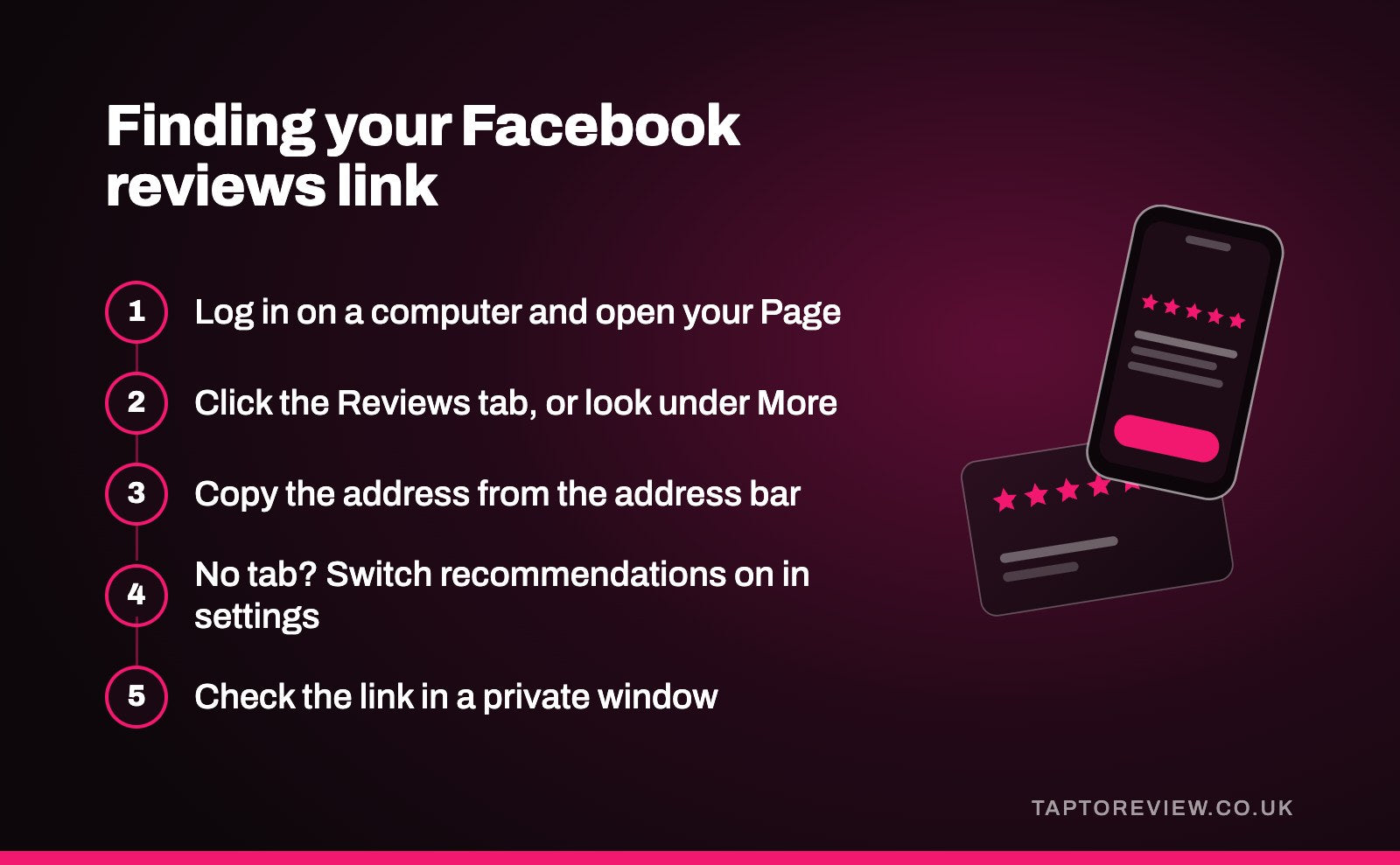
- On a computer, log in to Facebook and switch to your business Page.
- Look along the tabs under your cover photo for Reviews. If it's not there, click "More" to see the rest of the tabs.
- Click Reviews. The address bar now shows your reviews link, usually ending in /reviews.
- Copy it and save it somewhere handy.
If your Page doesn't have a username, its address will be a long number rather than your business name, and the reviews address will look different. Setting a username in your Page settings gives you a tidier link that's easier to recognise. Doing all of this on a computer is simpler than in the Facebook app, which doesn't always show the address of the page you're on.
If there's no Reviews tab
The most likely reason is that recommendations are switched off. Facebook moves its settings around, but in the current Page layout the option is usually under Settings, then Privacy, then Page and tagging, where there's a setting to allow others to view and leave reviews on your Page. On older Page layouts, it was under Templates and Tabs. Switch it on, then go back to your Page and look for the tab again.
Turning recommendations off hides them from your Page rather than deleting them, so if you switch the setting back on later, the old ones should reappear.
Check the link works
Open the link in a private browser window, or send it to a friend and ask them to try it. People need to be logged in to their own Facebook account to leave a recommendation, so anyone who isn't will be asked to log in first. Once they are, they should see your Page's reviews with the option to recommend you.
Where to share it
- In a follow-up message after a job or appointment. Our guide to sending a review link by text or WhatsApp has templates you can adapt.
- In your email signature or at the bottom of invoices.
- In a pinned post on your Page, asking customers who've used you to leave a recommendation.
- On your website's contact or thank-you page.
Ask every customer, not just the ones you know are happy, and don't offer anything in return. Fake reviews and paying for reviews are illegal in the UK under the Digital Markets, Competition and Consumers Act 2024, whichever site they're on. Our article on getting more Facebook reviews covers how to ask.
Facebook or Google?
For most local businesses, Google reviews get seen by more potential customers, because they appear in Google Search and Maps when people look for a business like yours. Facebook recommendations matter more if a lot of your customers find you through Facebook, such as through local community groups. Many businesses ask most customers for a Google review and mention Facebook to regulars who already follow the Page. If you'd like to give customers the choice at the counter, a multiple review platform stand lets them pick which site to use.
Common questions
How do I get a direct link to my Facebook reviews?
Open your Page on a computer, click the Reviews tab and copy the address from your browser. It usually ends in /reviews.
Why can't people leave a review on my Facebook Page?
Recommendations are probably switched off. Look in your Page settings for the option to allow others to view and leave reviews.
Can someone leave a Facebook recommendation without an account?
No. They need to be logged in to a Facebook account.
Can I remove a bad Facebook recommendation?
You can't delete it yourself. You can reply to it, and you can report it to Facebook if it breaks Facebook's rules.