


If you think a competitor is leaving fake reviews, whether bad ones on your profile or glowing ones on their own, start by collecting evidence. Then report each review to Google, and if it's part of a wider pattern, tell the Competition and Markets Authority (CMA). Reply to any fake reviews on your own profile calmly, without naming or accusing anyone. Fake reviews have been banned under UK consumer law since 6 April 2025, so a genuine pattern is worth reporting properly.

Signs a competitor might be involved
It's easy to suspect a rival when a bad review arrives, and often it turns out to be an unhappy customer or a random spam account. Our guide on removing fake Google reviews covers the general warning signs. The ones that point more towards a competitor are:
- The reviewer has left glowing reviews for one particular business near you, and poor ones for its rivals.
- The review recommends a named competitor while criticising you.
- Several reviews with similar wording arrive close together, from profiles with little other activity.
- The review mentions inside knowledge a customer wouldn't have, such as details about your suppliers or staff.
None of these prove anything on their own, and it's worth keeping an open mind. Google decides based on whether the review breaks its policies, so that's what your report should focus on.
Gather the evidence first
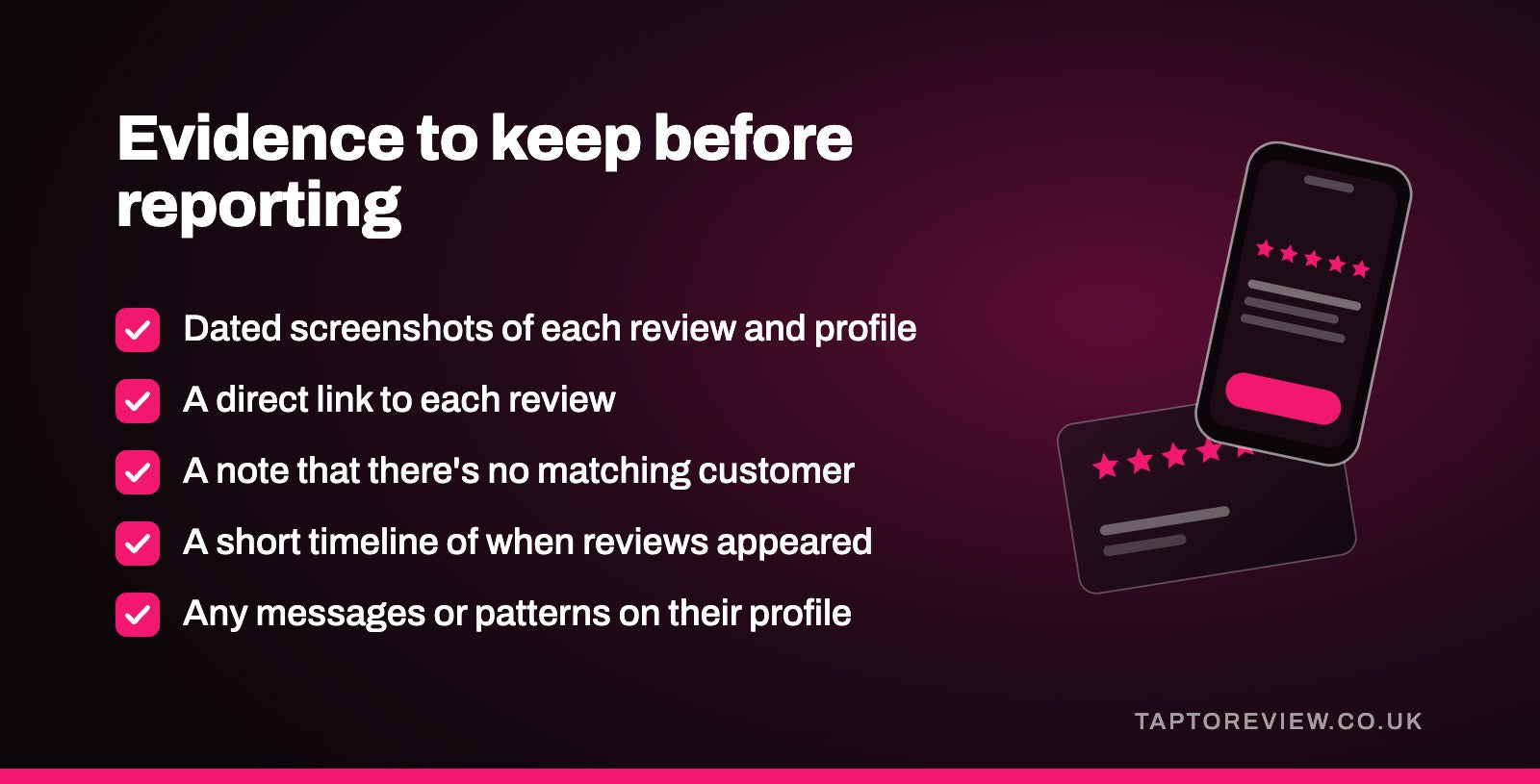
Before you report anything or reply, make a record. Reviews can be edited or deleted, and profiles can change their names.
- Take dated screenshots of each review and the reviewer's profile, including their other reviews.
- Save a direct link to each review.
- Check your bookings, orders or invoices and note that there's no matching customer.
- Write down a short timeline of when the reviews appeared.
- Keep any other evidence, such as messages from the competitor or a pattern on their own profile.
Report the reviews to Google
Google's content policy for Maps specifically lists industry competitors as a conflict of interest, and it doesn't allow anyone to post content on a competitor's listing to undermine its reputation. So a review written by a rival breaks Google's rules even if it's dressed up as a customer complaint.
Report each review from your Business Profile, choosing the reason that fits best. You can follow the reports in Google's reviews management tool, and if Google decides to keep a review, you can make a one-time appeal with up to 10 reviews. Our guide on what happens when you flag a Google review explains each stage. In the appeal, set out the pattern clearly and stick to things Google can check.
If the competitor is inflating their own profile with fake positive reviews, you can report those reviews too. Anyone can report a review on Google Maps, not just the business it's about.
Tell the CMA if it's a pattern
Under the Digital Markets, Competition and Consumers Act 2024, writing fake reviews, paying for them and presenting reviews in a misleading way are banned practices, and the CMA can fine businesses that break the rules. Our article on the UK fake review law explains what it covers.
You can report a business you think is breaking consumer law through the CMA's "Report a problem" page on gov.uk, which offers online, phone and email routes. The CMA says it can't take up individual complaints or advise on your particular case, but it uses what it's told to decide where to look. A clear summary with dates and screenshots is more useful than a long account.
Google also signed commitments with the CMA in January 2025 to tackle fake reviews in the UK, including warnings on the profiles of businesses found inflating their ratings and restrictions on them receiving new reviews.
How to reply in public
A fake review stays visible while Google looks at it, so a reply helps anyone reading it in the meantime. Keep it short and factual, and don't name or hint at a competitor. Accusing another business in public can go badly if you're wrong, and a public row doesn't look good to customers either way. A reply along these lines works:
"Hi, we can't find any record of a booking under this name, and we don't offer the service described. If you did use us, please call [phone number] so we can look into it."
Accusing a named person or business of posting fake reviews could also land you in a dispute of your own. Our article on whether a bad review is defamation touches on why care with public statements matters.
The best protection against a handful of fake reviews is a large number of real ones. Asking every customer for an honest review, with a link, Google's free QR code or a Google review card they can tap, means a few fake ratings make much less difference to your average.
Common questions
Can I report a competitor for fake Google reviews?
Yes. Report each review to Google, and if there's a clear pattern, you can tell the CMA through its gov.uk reporting page.
Should I name the competitor in my reply?
No. Keep the reply factual and say you can't find a record of the customer. Put your evidence in the report to Google instead.
What if a competitor is buying 5-star reviews for themselves?
You can report those reviews to Google too, and buying fake reviews is banned under UK consumer law.
How long does Google take to act on fake reviews?
Google says checking a report typically takes several days. Appeals take longer and are answered by email.