


A "Review us on Google" sign or sticker reminds customers that you'd like a review, but on its own it doesn't make reviewing any easier. The ones that actually bring in reviews give the customer a direct way to do it: a QR code printed on the sign, or an NFC chip they can tap with their phone. Here's what to put on a sign, where to put it, and when an NFC stand or sticker is the better choice.
What makes a review sign work
- A direct route to your review page. Print your free Google review QR code on it, or use a sign with an NFC chip. A sign that only says "Find us on Google" leaves the customer to search, and most won't.
- One short line of text. "Enjoyed your visit? Leave us a Google review" is enough. Long explanations don't get read.
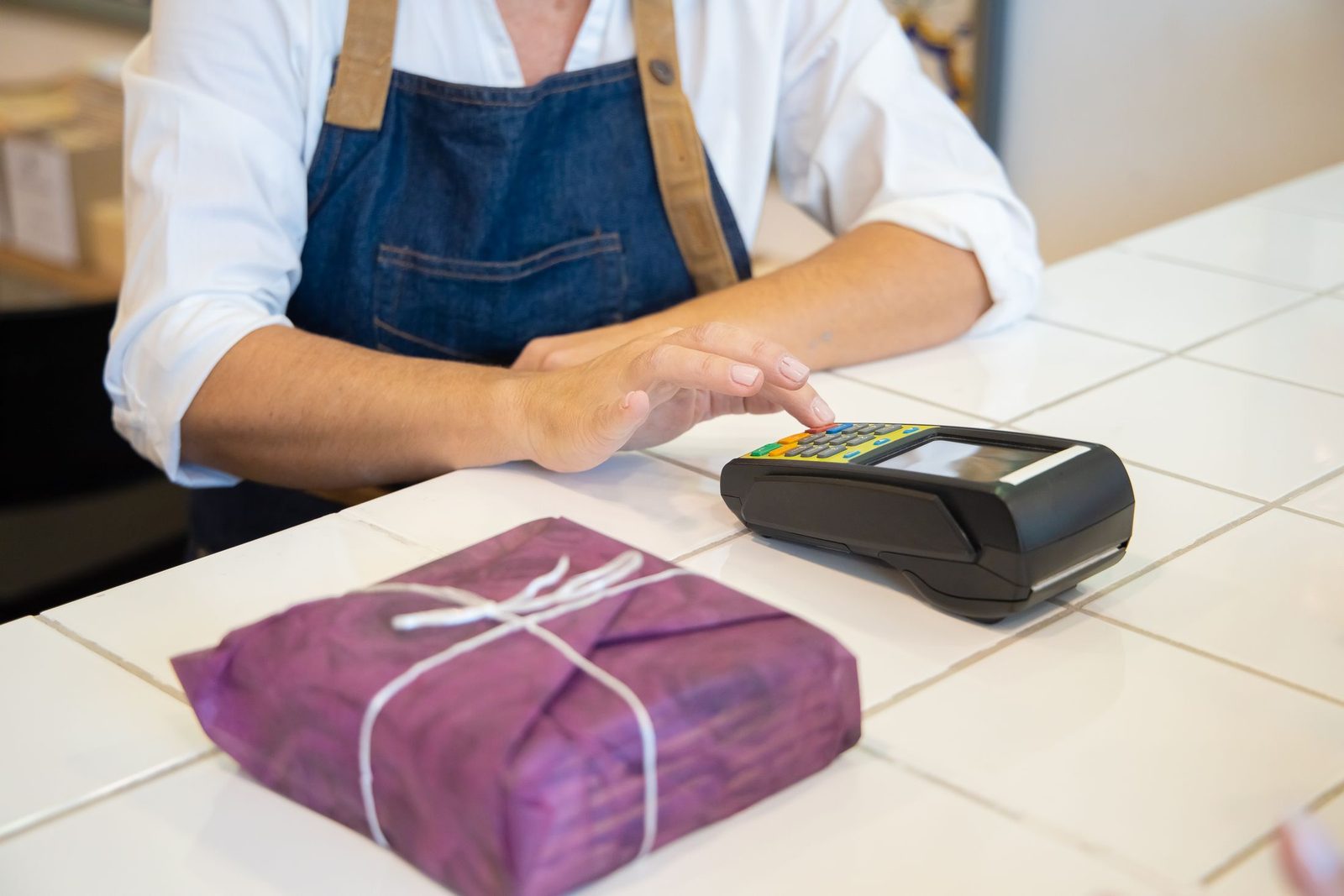
- The right height and place. Put it where people stand still for a few seconds, such as by the card machine or on the reception desk.
- A plain, readable design. Dark text on a light background, with the QR code big enough to scan from where the customer stands.
Printed sign, sticker or NFC stand?
| Printed sign with QR code | NFC sticker | NFC stand | |
|---|---|---|---|
| How customers use it | Scan with camera | Tap phone | Tap phone |
| Works from a distance | Yes, if large enough | No | No |
| Best place | Windows, walls, menus | Tables, tills, dashboards | Counters, reception desks |
| Cost | Printing only | One-off | One-off |
Many businesses use a QR sign in the window or on the wall and an NFC stand where customers pay. Our Google review stand and Google review NFC stickers come programmed with your review link.
Where to put review signs and stickers
- Next to the card machine, where customers' phones are already in their hands.
- On reception desks at salons, clinics, gyms and garages.
- On restaurant and café tables.
- On the dashboard of a taxi or a tradesperson's van, on plastic rather than metal.
- On the inside of the shop door, where people see it as they leave.
Making your own sign with Google's QR code
Google gives every verified business a free review QR code, which you can drop into a simple sign design and print. Our guide to the Google review QR code covers where to find it and how big to print it. Google also has a free marketing kit for Business Profile owners that creates posters and stickers using your business details, which is worth a look.
Using Google's name and logo
Google has brand rules about how its name and logo can be used. Plain wording such as "Review us on Google" alongside your review QR code or link is the normal way businesses refer to it. If you're designing something elaborate around the Google logo, check Google's brand guidelines first.
A sign still works best with a spoken ask
Customers notice a sign far more when a member of staff points to it. One sentence at the till ("if you've got a second, there's a stand there for Google reviews") turns the sign from decoration into something people use. Our guide on how to ask customers for Google reviews has more wordings.
Common questions
Do "Review us on Google" stickers work?
They work better when they include a QR code or NFC chip, and better again when staff mention them.
Can I put a review sticker on my shop window?
Yes. For a window, a printed QR code is better than NFC, because customers can scan it from outside without touching the glass.
Can I add my star rating to the sign?
Only if you keep it up to date. A printed rating that no longer matches your profile can mislead customers, so a plain "Review us on Google" sign is safer.