


Takeaways get Google reviews in two ways: from customers who collect in person and from customers who order for delivery. Collection customers can be asked at the counter while they wait, with a review stand beside the till. Delivery customers are best reached with a sticker or card in the bag, so they can tap their phone when the food arrives. Google reviews are worth chasing even if you use delivery apps, because people searching "takeaway near me" on Google see your Google rating, not your app rating.
Collection customers
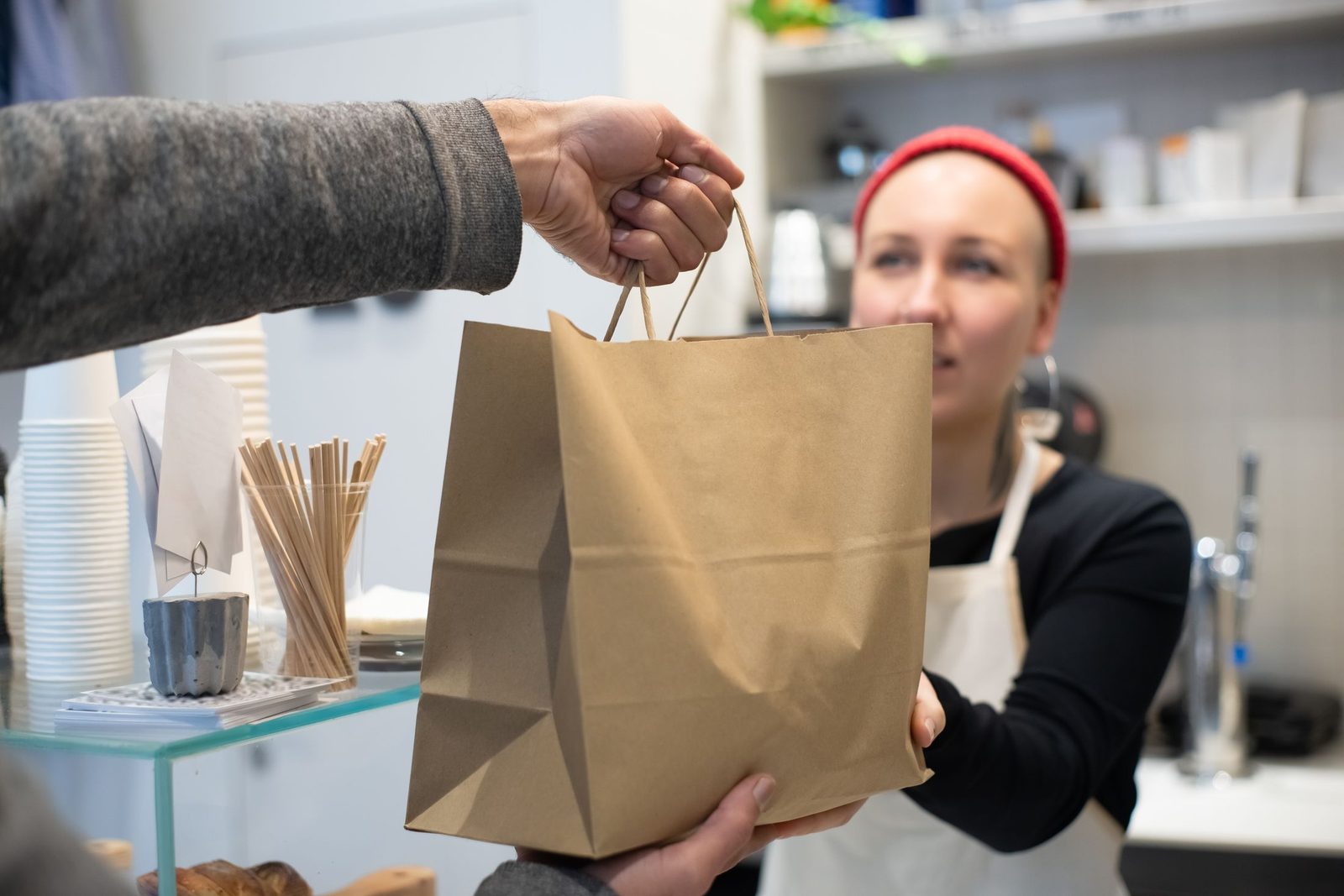
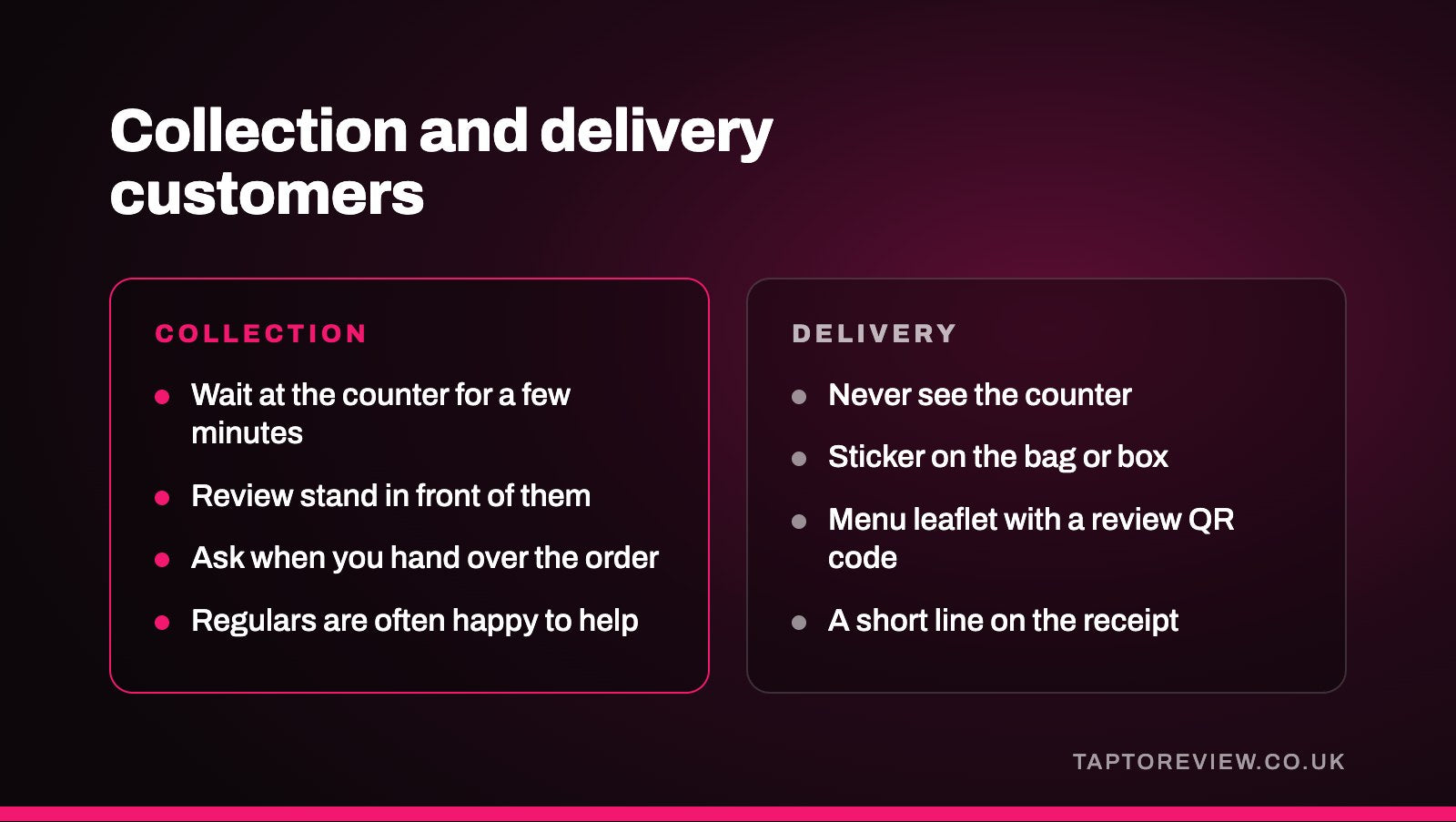
People collecting an order usually wait at the counter for a few minutes. That's a good time to have a Google review stand in front of them. When you hand over the order, a quick "If you enjoy it, a Google review would really help us" is enough. Regulars are often happy to help.
Delivery customers
Most delivery customers never see the counter, so the ask has to travel with the food:
- A Google review delivery sticker on the bag or box, which opens your review page when tapped.
- A Google review QR code printed on the menu leaflet you put in the bag.
- A short line on the receipt, such as "Enjoyed your meal? Tap or scan to leave us a Google review."
Our guide to getting reviews from every delivery covers where to put stickers and which sizes suit.
Delivery apps and Google
Ratings on delivery apps stay inside the app. Your Google rating is what people see when they search on Google or Google Maps, and it's what helps you show up in local results. Customers who found you on an app can still leave a Google review, so it's worth asking all of them.
Things to avoid
- Don't offer free chips, a drink or money off the next order for a review. Google doesn't allow incentives.
- Don't only put stickers in the bags of regulars.
- Don't ask drivers or staff to leave reviews.
Our article on Google's review rules covers what's allowed.
Replying to reviews
Takeaway reviews often mention delivery times, food temperature or a missing item. Reply quickly, apologise when something went wrong, and give a number to call so you can put it right. Good reviews deserve a short thank you that mentions what they ordered. See how to respond to Google reviews.
Common questions
Can I put a review sticker on every delivery bag?
Yes. Putting one on every bag means you're asking all customers, which keeps you within Google's rules.
Do Just Eat or Deliveroo ratings show on Google?
No. Delivery app ratings stay in the app. Your Google reviews are separate.
Can I offer a discount code for a review?
No. Any reward for a review breaks Google's rules.