


Restaurants get the most Google reviews when staff ask at the end of the meal, usually as the bill arrives, and give guests a way to review there and then. A tap card in the bill folder, a small stand or sticker on each table, and a QR code on the menu cover most situations. Reviews matter a lot for restaurants because people searching "restaurants near me" tend to choose from the first few results by rating and review count.
When to ask
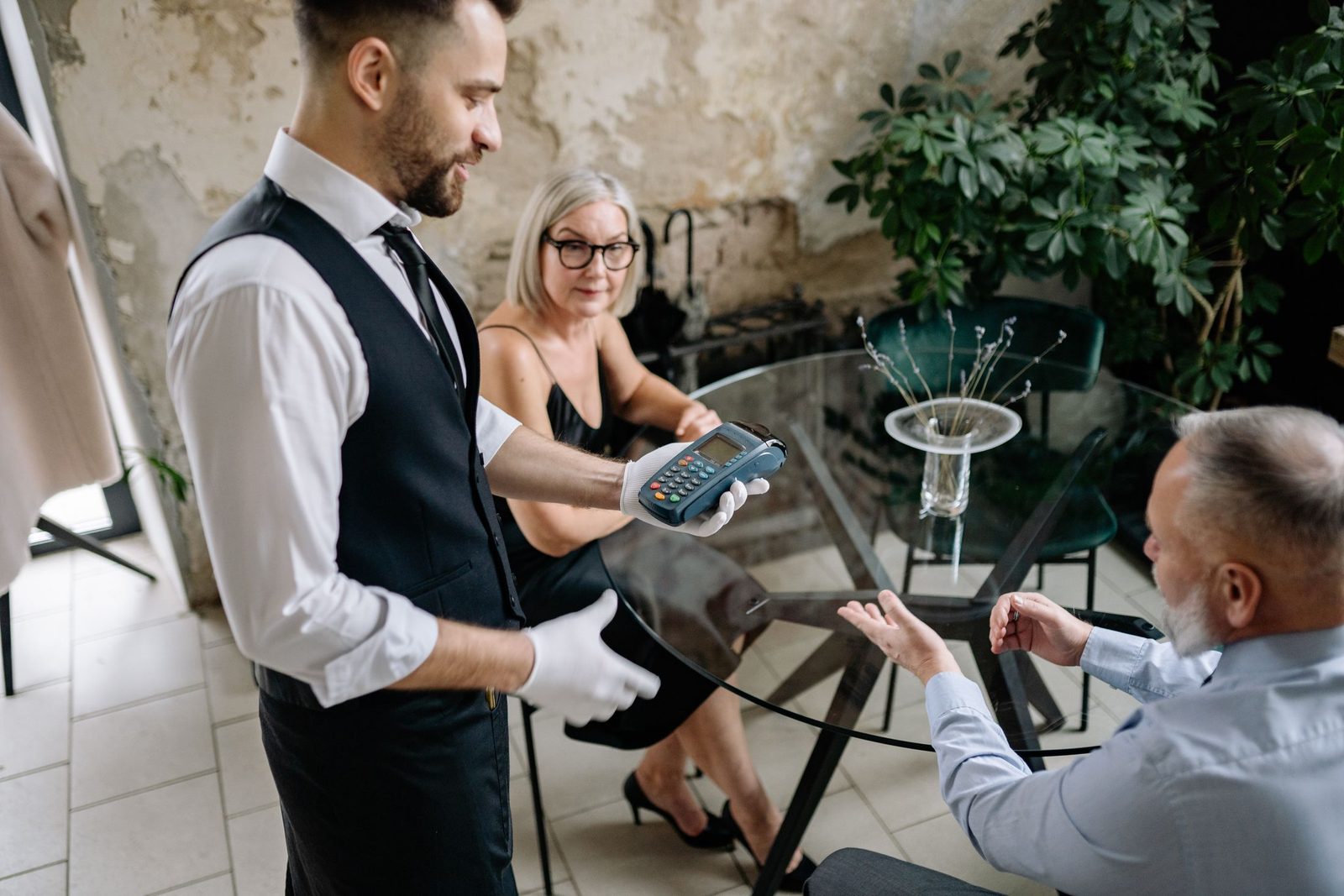
The best moment is when the table has finished eating and is relaxed, which for most restaurants means when the bill arrives or while they're paying. Asking during the meal interrupts people, and asking as they walk out the door is too late. If a table has told the server they enjoyed something, that's a natural opening.
What the server can say
- "Thanks so much for coming in. If you enjoyed it, we'd really appreciate a Google review. You just tap your phone on this card."
- "We're an independent restaurant, so reviews make a big difference to us. There's a card in the bill folder if you'd like to leave one."
Keep it to one sentence and don't push. The guests who want to will do it while they wait for the card machine.
Where to put cards, stands and stickers
- In the bill folder. A Google review card tucked in with the bill gets seen at exactly the right time.
- On the table. A sticker on the table or a small stand works well in casual restaurants and cafés where guests pay at the table.
- At the till or host stand. A Google review stand beside the card machine catches guests who pay on the way out.
- On the menu. A free Google review QR code on the back of the menu or on receipts works for guests who'd rather review later.
Google and Tripadvisor
Many restaurants, especially in tourist areas, care about Tripadvisor as well as Google. You can ask for both, but asking a guest to do two reviews is usually too much. Most restaurants focus on Google, because it's what local customers see first when they search, and use Tripadvisor in places where visitors use it heavily. A multiple-platform card lets guests choose which site to review on.
Getting the team on board
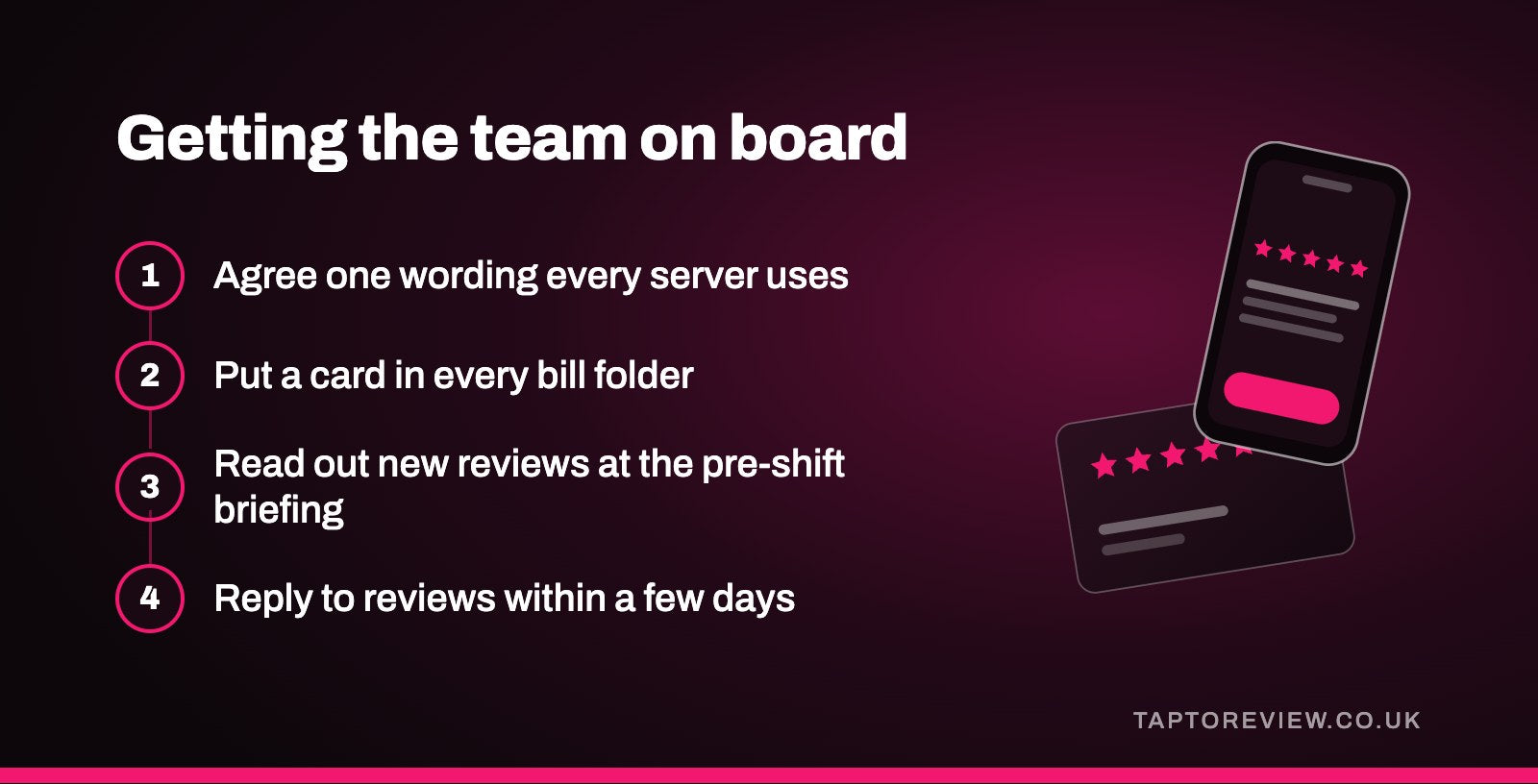
- Agree one wording that every server uses.
- Put a card in every bill folder at the start of each shift.
- Read out new reviews at the pre-shift briefing, especially ones that mention staff by name.
- Reply to reviews within a few days, including the negative ones.
What not to do
Don't offer a free dessert, a drink or a discount in return for a review, and don't only hand cards to tables that seem happy. Both break Google's rules. It's also worth knowing that staff and their friends shouldn't leave reviews. Our article on Google's review rules covers this in more detail.
Handling a bad review
Every restaurant gets the occasional bad review about a slow night or a dish that missed the mark. Reply calmly, apologise for what went wrong, and invite the guest to get in touch. A good reply reassures the many people who'll read it later. Our guide on how to respond to Google reviews has example replies.
Common questions
Can I put review stickers on restaurant tables?
Yes. A sticker on each table lets guests tap whenever suits them, and it doesn't take up space like a stand would.
Can I offer a free drink for a Google review?
No. Google doesn't allow any reward for reviews, even a small one.
Should every server have a review card?
It helps. If each server has one in their apron or the bill folder, nobody has to go looking for one at the moment the guest is ready.