


Google checks every owner reply against its content policies before it appears publicly. Google says this usually takes up to 10 minutes but can sometimes take up to 30 days, and if a reply isn't approved you'll be asked to edit it. If your reply still isn't showing after that, the usual causes are an unverified profile, replying from the wrong Google account, or the review itself having been removed or filtered.

Replies are checked before they go live
When you reply to a review from your Business Profile, Google doesn't publish it straight away. The reply is checked to make sure it follows Google's content policies, and once it's approved it appears under the review as a reply from the business. Your personal name isn't shown, only the business name. Google also notifies the person who wrote the review that you've replied.
So the first thing to do if a reply isn't showing is wait a little. Most replies appear within minutes, but some take much longer, and there isn't much you can do to speed that up.
Common reasons a reply isn't showing
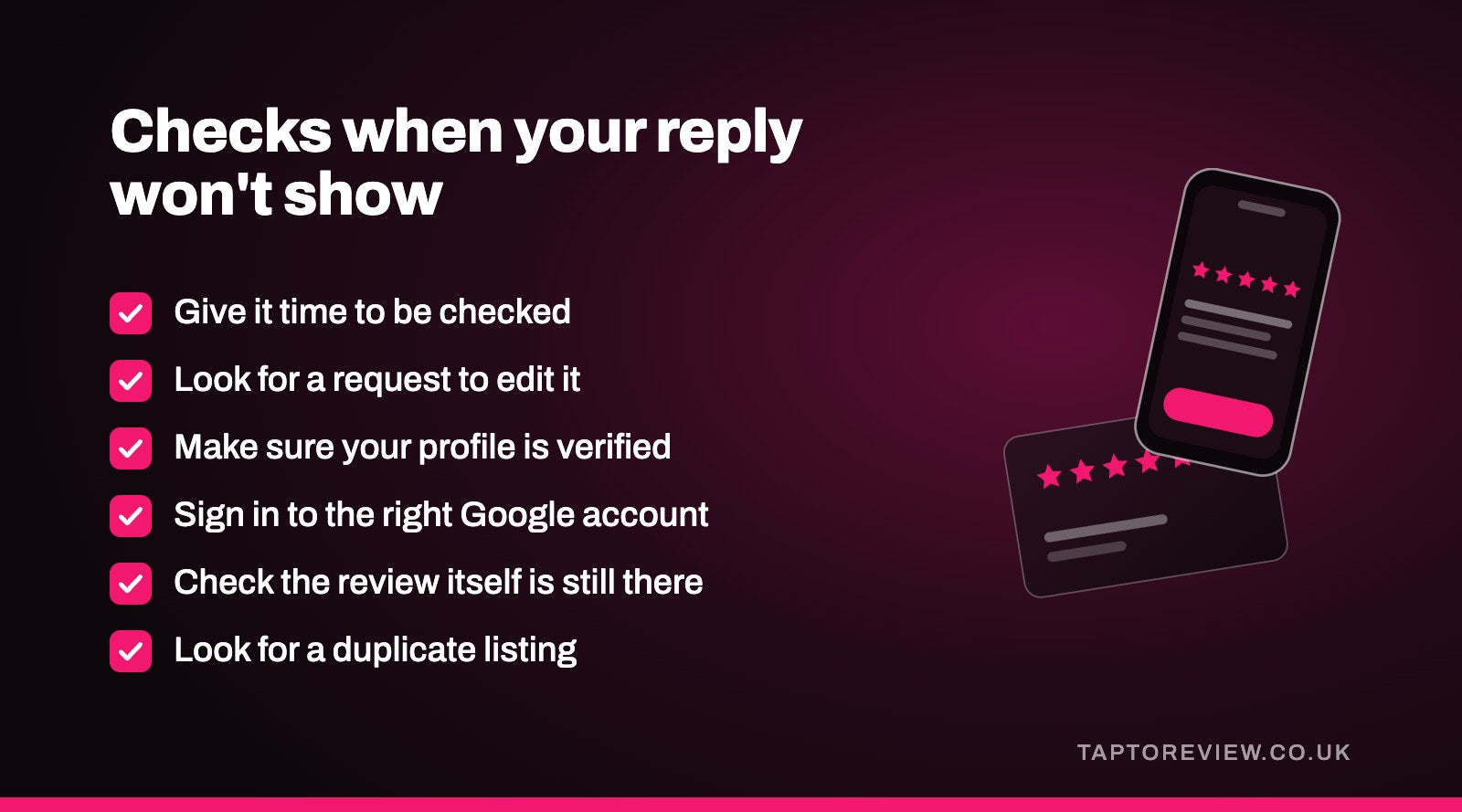
It's still being checked
If you posted it recently, it may simply be in the queue. Google's own figure is usually up to 10 minutes, and occasionally up to 30 days.
It wasn't approved
If Google decides a reply doesn't meet its policies, it asks you to edit it. Google's content policies cover things like personal information, offensive language and off-topic content, so replies that include any of those are the likeliest to be held back. Look at your reviews while signed in to see whether Google has asked you to change it.
Your profile isn't verified
Google only lets you reply to reviews once your business is verified. If you've only just claimed the profile, or verification is still pending, you won't be able to post replies yet. Our guide on claiming an existing Google Business Profile covers getting control of a listing.
You replied from the wrong account
If you have more than one Google account, check you're signed in to the one that owns or manages the Business Profile. Replies have to come from an account with access to the profile.
The review has gone
If the reviewer deleted their review, or Google removed or filtered it, your reply goes with it. Our article on why a Google review isn't showing explains why reviews sometimes vanish from public view.
You're looking at a different listing
If there's a duplicate listing for your business on Google Maps, you may have replied on one and be looking at the other. Search Maps for your business name and postcode to check.
How to check and fix it
- Sign in to the Google account that manages your Business Profile.
- Open your profile on Google Search or Maps and go to your reviews.
- Find the review and see whether your reply is there, and whether Google has asked you to edit it.
- If it's been rejected, edit the reply to remove anything that might break the policies, and send it again.
- Check from a different device or browser, as what you see while signed in may differ from what customers see.
- If it's been more than a few days with no reply showing and no request to edit, contact Google Business Profile support.
You can edit or delete a reply at any time from the same place.
Writing replies that get through
Most replies are approved without any trouble. Keeping to a few simple habits makes problems less likely:
- Keep it about the review and the customer's experience.
- Don't include the customer's personal details, such as their address, phone number or what treatment they had.
- Avoid swearing or anything that could read as abusive, even if the review was rude.
- Keep it reasonably short. A few sentences is enough.
Our guide on how to respond to Google reviews has example replies for good and bad reviews.
Common questions
How long does it take for a reply to a Google review to show?
Google says replies usually take up to 10 minutes to be checked, but sometimes up to 30 days.
Does the customer get told when I reply?
Yes. Google notifies the person who wrote the review when you reply.
Why can I see my reply but other people can't?
It may still be waiting to be checked. Look from a different device or browser, and give it some time before contacting Google.
Can I change a reply after posting it?
Yes. You can edit or delete your reply from your reviews at any time.