


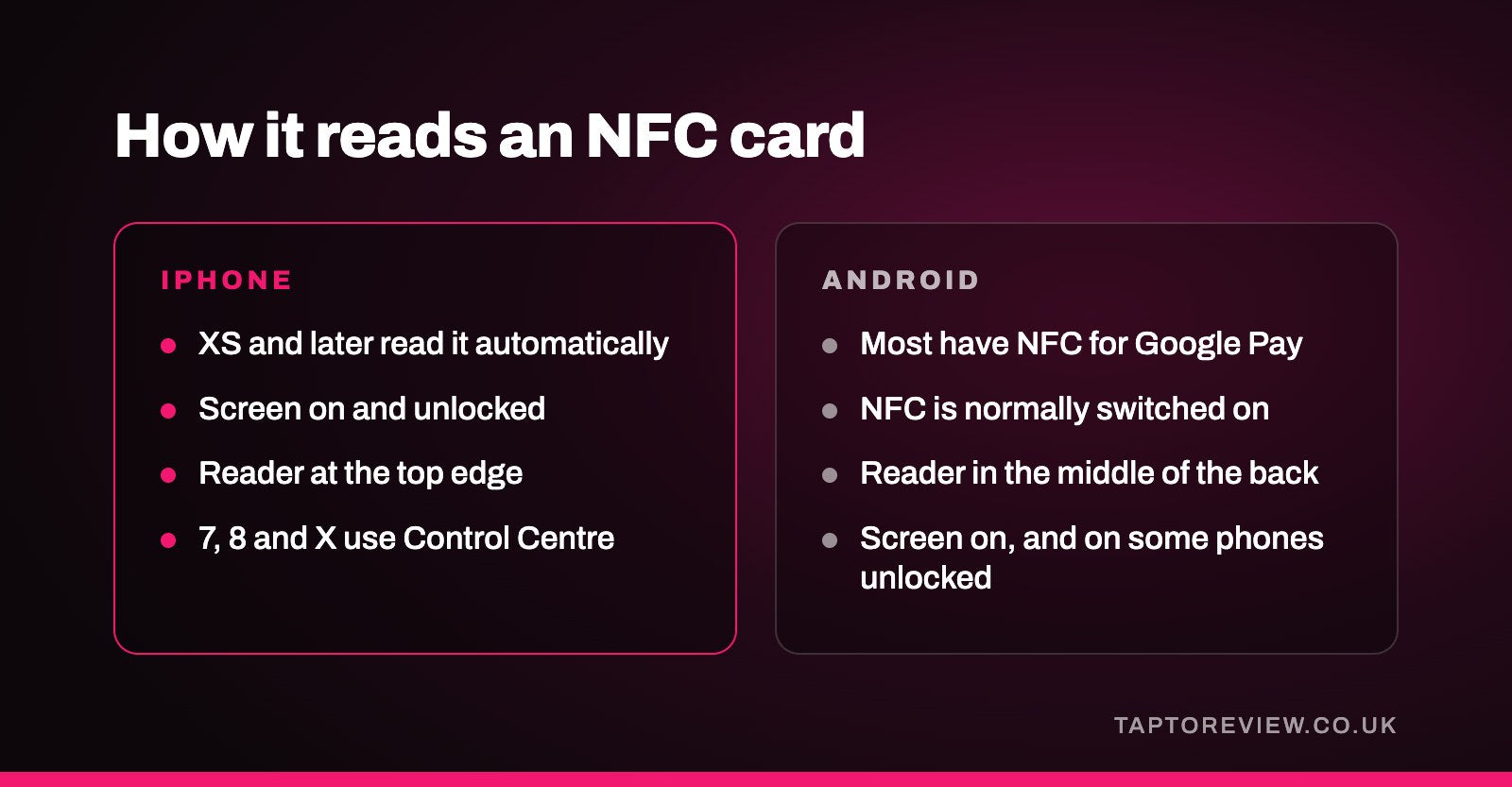
Yes, NFC review cards work on iPhone and on most Android phones. Every iPhone from the XS onwards reads them automatically when the screen is on and unlocked, with no app and no settings to change. Older iPhones from the 7 onwards can read them through a button in Control Centre. Android phones read them as long as NFC is switched on, which it usually is by default. Here's how it works on each, and what to do when a tap doesn't register.

iPhone
| Model | How it reads an NFC card |
|---|---|
| iPhone XS, XR and later | Automatically, when the screen is unlocked. Hold the top of the phone near the card and a notification appears; tap it to open the link. |
| iPhone 7, 8 and X | Open Control Centre and tap the NFC Tag Reader button, then hold the top of the phone near the card. The button may need adding in Settings first. |
| iPhone 6 and earlier | Can't read NFC cards. The customer can use your QR code or review link instead. |
On iPhone the NFC reader sits at the top edge of the phone, near the camera. Customers sometimes hold the middle of the phone against the card, which doesn't work as well.
When an iPhone won't read the card
Apple notes that automatic tag reading pauses when the camera is open, when Apple Pay or Wallet is in use, when airplane mode is on, and when the phone hasn't been unlocked since it was restarted. Closing the camera and unlocking the phone usually sorts it.
Android
Most Android phones sold in the UK in recent years have NFC, because it's needed for Google Pay. NFC is normally switched on, but some people turn it off. To check:
- Samsung: Settings, then Connections, then NFC and contactless payments.
- Google Pixel: Settings, then Connected devices, then Connection preferences, then NFC.
- Other brands: search for "NFC" in the Settings app.
On most Android phones the reader is in the middle of the back of the phone, so that's the part to hold against the card. The screen needs to be on, and on some phones unlocked.
Phone cases
Most ordinary phone cases don't cause problems. Very thick cases, cases with a metal plate for a magnetic car mount, and wallet cases with bank cards inside can stop the phone reading the card. Holding the phone a little closer, or trying a different part of the phone, usually works.
Does the customer need an app?
No. The card holds a web link, and the phone opens it in its normal browser. For a Google review card, that link goes to the business's Google review page.
What about customers whose phones can't read it?
It's worth having a backup for the small number of customers with very old phones or NFC switched off. A free Google review QR code printed on a receipt, menu or small sign does the job. We compare the two options in NFC vs QR code for Google reviews.
Testing a card when it arrives
- Try it with an iPhone and an Android phone, ideally ones that aren't signed in to your business's Google account.
- Check it opens your business's review page, not just your listing.
- Note where on each phone the tap works best, so you can show customers.
Our Google review cards arrive programmed with your review link, so they're ready to test and use straight away.
Common questions
Do I need to turn on NFC on my iPhone?
No. iPhones don't have an NFC switch. iPhone XS and later read tags automatically when unlocked.
Can an NFC card read anything from the customer's phone?
No. The card only holds a link. The phone reads the link and shows the customer the page it's opening.
Does tapping a review card use Apple Pay or Google Pay?
No. It uses the same reader, but no payment is involved and no wallet opens.