


Yes, they work, as long as someone actually hands them over. A Google review card makes leaving a review much quicker for the customer: they tap their phone on the card and your Google review page opens, ready for them to pick a star rating and type. What the card can't do is ask for you. The businesses that get the most out of them are the ones where staff hold out the card and say something like "if you've got a minute, a review would really help us".

What a Google review card actually does
A Google review card is a plastic card with a small NFC chip inside. It's the same kind of chip used in contactless bank cards and gym passes. The chip holds one web link, and when a customer holds their phone against the card, the phone reads that link and opens it in the browser. On our cards the link is your own Google review page, so the customer lands straight on the box where they leave their rating and comment.
The customer doesn't need an app, and the chip has no battery. The phone reads it with its built-in NFC reader, which is the same part that makes Apple Pay and Google Pay work.
Why it helps
Most happy customers mean to leave a review and then forget. The usual ways of asking, a link in a follow-up email or a "find us on Google" sign by the door, leave the customer to search for your business, pick the right listing, scroll down to the reviews and press the button. A few people drop out at every one of those steps. A tap skips all of them, and it happens while the customer is still with you, which is when they're most likely to say yes.
It also makes asking easier for your staff. A lot of people find it awkward to ask for a review out of nowhere. Holding out a card and asking "would you mind tapping your phone on this?" feels like a small, normal request, and most staff get comfortable with it within a day or two.
Where review cards fall short
There are limits, and it's worth knowing them before you buy.
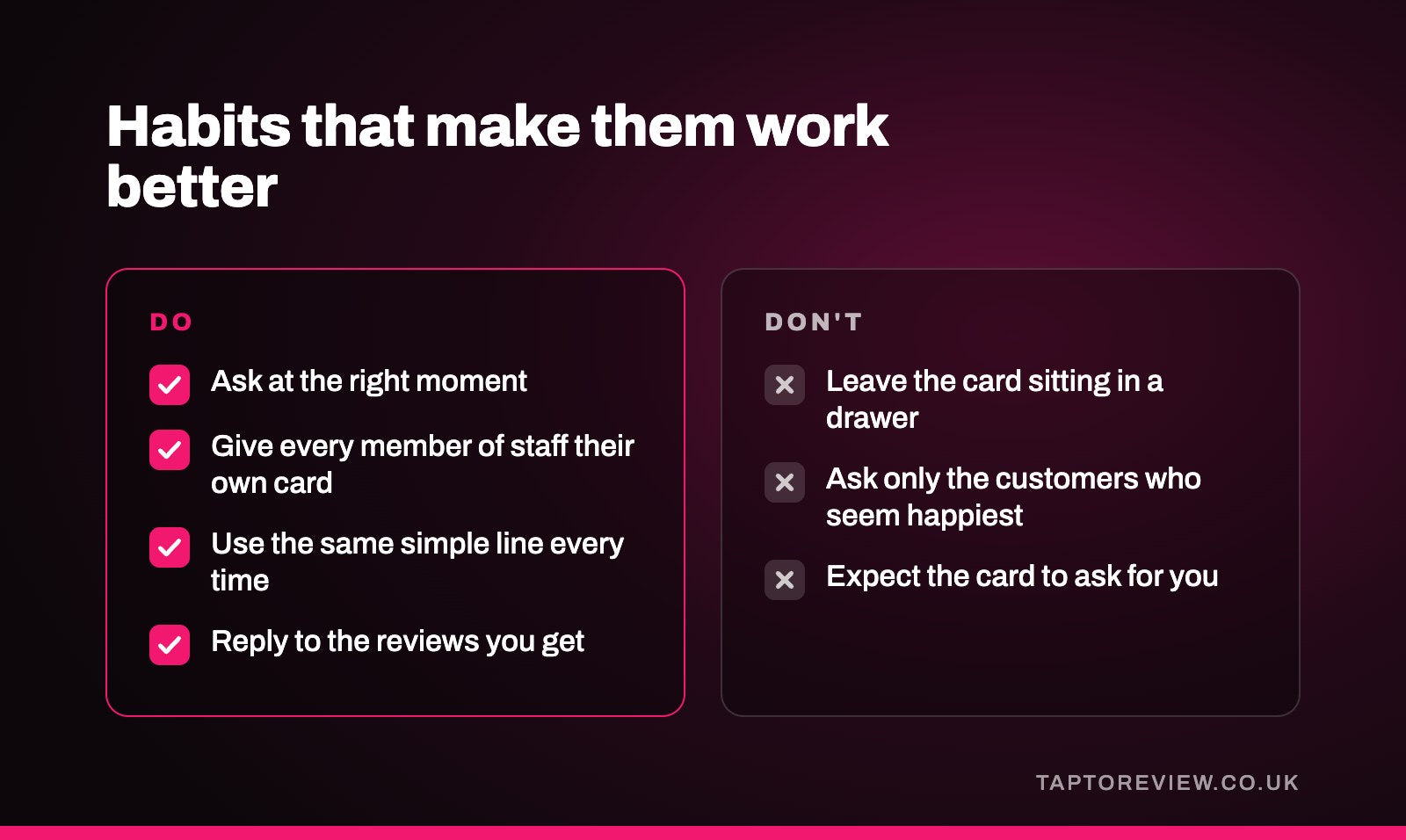
- A card sitting in a drawer does nothing. If nobody hands it over or points it out, very few customers will tap it on their own.
- The customer's phone needs NFC. Every iPhone from the XS onwards reads NFC cards automatically when the screen is unlocked. Most Android phones have NFC switched on by default, although some people turn it off and a few budget models don't have it.
- Thick or metal phone cases can block the signal. Holding the card near the top of an iPhone, or the middle of the back of an Android phone, usually sorts it out.
- It won't change how customers feel about you. If people leave unhappy, making reviews easier will show that too.
Habits that make them work better
- Ask at the right moment. In a restaurant that's usually when the bill arrives. In a salon or barbers it's when the customer is looking at the finished cut in the mirror. For a tradesperson it's when the customer has seen the finished job.
- Give every member of staff who deals with customers their own card, so nobody has to go looking for one.
- Use the same simple line every time, for example "We're a small business and reviews really help us. Would you mind tapping your phone on this?"
- Ask everyone, not just the customers who seem happiest. Google's rules say you can't pick and choose who you ask, and it keeps your reviews believable.
- Reply to the reviews you get. People notice when a business answers, and it encourages the next customer to leave one.
Cards, stands or stickers?
Cards suit businesses where staff deal with each customer face to face, such as hairdressers, tradespeople, restaurant servers and estate agents. A Google review stand works better on a counter or reception desk where customers wait or pay, because they can tap it without anyone handing them anything. Stickers suit spots where a loose card might go missing, like a table, a till or a van dashboard.
Plenty of businesses use a mix, with a stand by the till and a card in each staff member's pocket.
Does Google allow review cards?
Yes. Google encourages businesses to ask customers for reviews and gives every business its own review link for that purpose. What Google doesn't allow is paying or rewarding people for reviews, writing reviews yourself, or only asking customers you expect to be positive. A review card is a quicker way of sharing your own review link, so it's well within the rules as long as you ask customers fairly.
Are they worth buying?
If you see customers in person and you're willing to ask, a review card is one of the cheapest ways to get more Google reviews. Our Google review cards are £30 each, arrive programmed with your own review link, and there's no monthly fee. If nobody in the business is going to ask customers, we'd suggest holding off, because a card on its own won't make much difference.
Common questions
Does the customer need to download an app?
No. The phone opens the link in its normal web browser.
Do Google review cards work on iPhone?
Yes. iPhone XS and later models read the card when it's held near the top of the phone with the screen unlocked. An iPhone 7, 8 or X can read it using the NFC Tag Reader button in Control Centre.
How long does a review card last?
The chip has no battery and doesn't wear out from being tapped, so a card keeps working until it's lost or physically damaged.
Can a customer leave a review without NFC?
Yes. They can still search for your business on Google Maps and leave a review the usual way. The card just makes it quicker for the large majority of people whose phones do have NFC.