


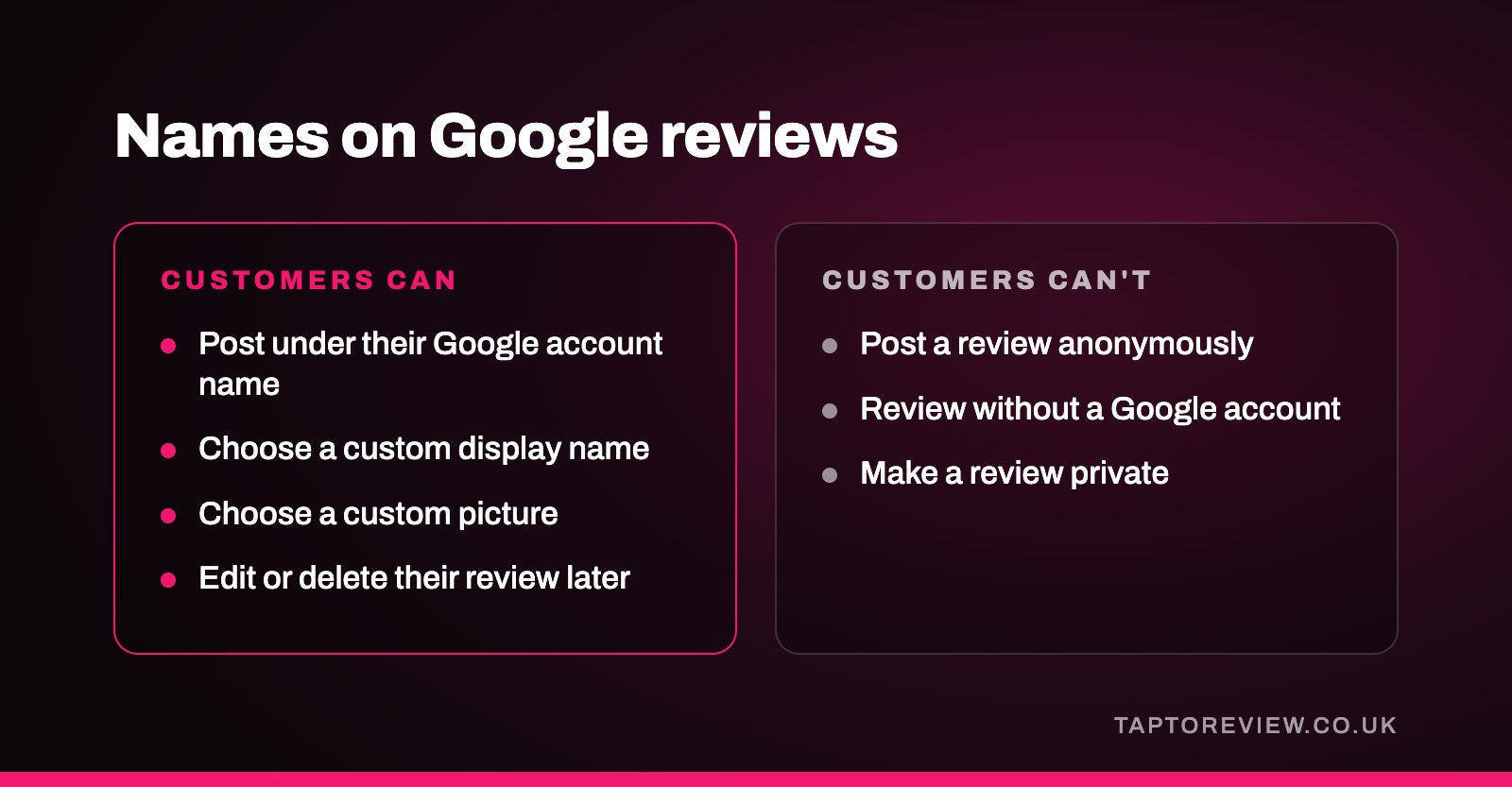
No. Google doesn't let anyone post a review anonymously. Every review is left from a Google account, and Google says all reviews are public. What customers can do is choose the name and picture shown on their reviews, as Google Maps now lets people post under a custom display name instead of the name on their Google account. So a review can appear under a nickname the business doesn't recognise, but it's still tied to a real account.

How names appear on Google reviews
To leave a review, a customer has to be signed in to a Google account. The review then shows the name and picture from their Google Maps profile, and anyone who taps on that name can see the other public reviews, photos and videos they've posted.
Until late 2025, that name was the one on the person's Google account. Google Maps now has a setting that lets people use a custom display name and picture for posting. When it's switched on, the custom name and picture appear with their public reviews, photos and other contributions on Google Maps and Search, while their Google account name is still used elsewhere, such as when they share their location or message a business. Unticking the setting goes back to the account name.
There's also a setting that makes someone's profile restricted, which limits who can browse their contributions from their profile. It doesn't make their reviews private. Google's help pages are clear that reviews, photos and ratings on Maps are public, and that you can't add an anonymous review.
What the business can see
A business sees the same thing as everyone else: the display name, the profile picture, the review itself and any other public contributions from that profile. Google doesn't pass reviewers' account details to the businesses they review, so if someone posts under a nickname, you won't be able to look up who they are through Google. Our article on finding out who left a Google review covers what you can and can't work out.
Why some customers use a nickname
Plenty of people would rather not have their full name next to a review of a dentist, a clinic, a solicitor or a beauty treatment. Others just prefer to keep their real name off the internet. A custom name lets them leave an honest review without that worry, which may help businesses in personal or sensitive trades hear from customers who would otherwise stay quiet.
If customers mention privacy when you ask for a review, it's fine to tell them Google lets them choose the name shown on their reviews. Whether they tap a Google review card or click your review link, the review is posted under whatever name they've set on their own account.
When you can't match a review to a customer
A review under an unfamiliar name isn't necessarily fake. It may be a real customer using a nickname, a family member who booked under someone else's name, or someone who paid by a card in a different name. Before you do anything, check your bookings or sales around the date of the review.
- Reply politely and publicly. Say you can't find a record under that name and invite them to get in touch so you can look into it.
- Don't accuse the reviewer of lying in your reply, as other customers will read it too.
- If the review breaks Google's rules, for example it's clearly about another business or written by someone who was never a customer, report it from your Business Profile.
Google only removes reviews that break its policies, and using the custom name option Google provides isn't one of them. The Competition and Markets Authority's guidance on the UK's fake review law also says a review isn't fake just because the business disagrees with it, as long as it reflects the reviewer's genuine experience. Our guide on how to respond to Google reviews has example replies.
Common questions
Can I leave a Google review without showing my real name?
Yes. In your Google Maps profile you can choose to post with a custom display name and picture. The review still comes from your Google account and is public.
Can someone leave a Google review without a Google account?
No. Google says customers must be signed in to a Google account to leave a review.
Can a business see who left a review under a nickname?
Only the name, picture and public contributions on that profile. Google doesn't share the reviewer's account details with the business.
Can the customer change or remove their review later?
Yes. Customers can edit or delete their review at any time, whichever name they posted it under. A business can't edit or delete a customer's review itself.